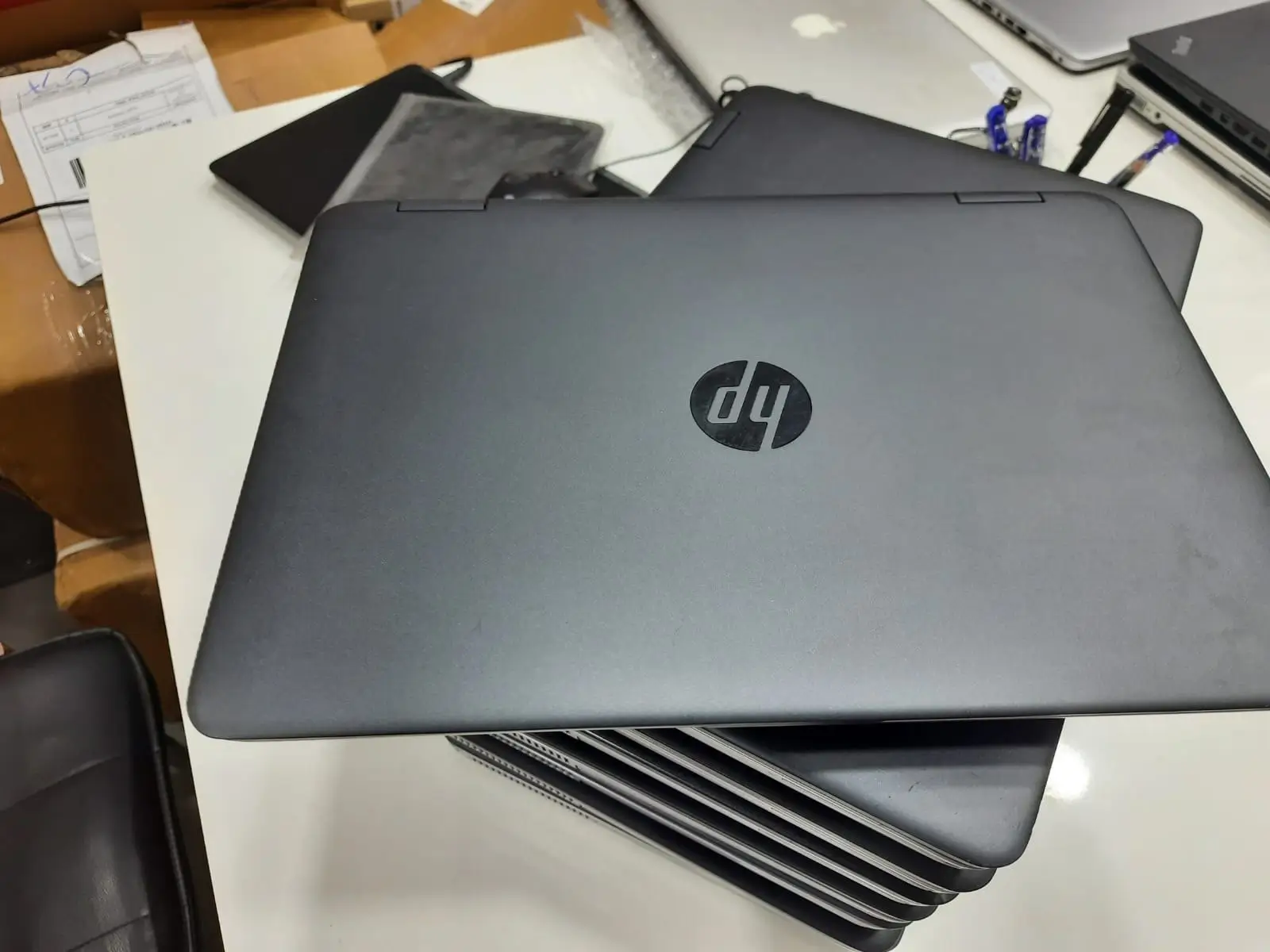
When people in Nigeria think about buying a laptop, one place immediately comes to mind — Computer Village, Ikeja. Lagos’s Ikeja Computer Village is Nigeria’s largest tech market, bustling with shops selling everything from brand-new laptops to UK-used “tokunbo” deals. It attracts thousands of buyers looking for laptops, phones, accessories, and repair services everyday.
The biggest advantage of Computer Village is variety. Whether you want a budget-friendly laptop for school, a business laptop for work, a gaming machine, or a premium MacBook, chances are you will find several options within a few minutes of walking around the market.
However, buying a laptop in Computer Village is not always straightforward. While there are many trustworthy dealers, there are also cases of fake products, refurbished devices being sold as brand-new, and laptops with hidden faults. This is why every buyer needs to be informed before spending their money.
Table of Contents
Things to Know Before Buying a Laptop in Computer Village Ikeja
1. Know Exactly What You Need Before Going
One of the biggest mistakes buyers make is entering Computer Village without knowing what specifications they need.
Before visiting the market, determine what you will use the laptop for.
A student who mainly uses Microsoft Office, Google Chrome, and Zoom meetings does not need the same machine as a graphic designer or video editor. Similarly, someone interested in gaming will require a more powerful processor and graphics card than someone who only browses the internet.
Having a clear idea of your needs helps prevent sellers from convincing you to buy an overpriced laptop or a machine that does not meet your requirements.
2. Research Current Prices
Laptop prices in Nigeria change frequently due to exchange rates and import costs.
Before heading to Computer Village, check online stores, manufacturer websites, and social media pages of trusted dealers to understand the current market value of the laptop you want.
If a seller offers a laptop at a price that seems significantly lower than everyone else, that should immediately raise questions. In many cases, unusually cheap laptops may be refurbished, repaired, or have replaced components. Experts regularly advise buyers to be cautious of deals that look too good to be true.
3. Understand the Difference Between New and Refurbished
Many buyers assume every sealed laptop is brand-new. Unfortunately, that is not always the case.
If you’re shopping for a brand-new laptop in Computer Village, one of the most important things to verify is that the device is genuinely new and not a refurbished or previously used unit being sold as new.
Some laptops may have been previously owned, returned, repaired, or refurbished before being put back on the market. While refurbished laptops can offer good value when properly disclosed and priced, they should never be sold as brand-new products.
When buying a new laptop, carefully inspect the packaging and device. The box should appear original and untampered with, and all accessories, manuals, and protective coverings should be intact. Pay attention to signs such as damaged packaging, missing accessories, scratches, worn keyboards, fingerprints, or signs that the laptop has already been activated.
Always ask the seller directly whether the laptop is new, refurbished, or UK-used. A reputable dealer should be transparent about whether the device is brand-new, open-box, refurbished, or UK-used. If the answers seem unclear or inconsistent, consider exploring other options.
Since a new laptop typically comes at a premium price, it is worth taking a few extra minutes to confirm that you are receiving exactly what you are paying for.
4. Inspect the Physical Condition Carefully
The external appearance of a laptop can reveal a lot about its history.
Check for:
- Loose hinges
- Cracks around the screen
- Uneven screws
- Missing rubber feet
- Scratches around ports
- Dents on the body
Laptop technicians often note that repeated repairs usually leave visible signs such as scratched screws or slightly misaligned casing.
Even if the laptop powers on perfectly, physical signs of excessive wear may indicate long-term reliability issues.

5. Verify the Specifications Yourself
Do not rely solely on what the seller tells you.
A common complaint among buyers is discovering that a laptop has less RAM, lower storage, or a different processor than advertised. Experts recommend checking system information directly on the laptop before making payment.
Open the system settings and verify:
- Processor generation
- RAM size
- Storage capacity
- Operating system version
- Graphics card
If possible, compare the specifications with the manufacturer’s official website.
6. Test Everything Before Paying
Never rush a laptop purchase.
Spend time testing every major feature, including:
- Keyboard
- Touchpad
- Webcam
- Speakers
- USB ports
- HDMI port
- Wi-Fi connection
- Bluetooth
- Charging port
Many buyers discover faults only after leaving the market. Running basic tasks such as typing, browsing, watching a video, and connecting external devices can help uncover problems early.
7. Check Battery Health
Battery replacement has become increasingly expensive, making battery health one of the most important things to verify.
A laptop may appear perfect but only last thirty minutes on battery power.
Run a battery health report or ask the seller to demonstrate actual battery performance. Several technology experts identify weak batteries as one of the most common problems found in used and refurbished laptops.
8. Confirm Warranty and Return Policy
A trustworthy dealer should be willing to provide some form of warranty.
Whether it is a replacement warranty, service warranty, or return window, having protection after purchase gives you peace of mind.
Buying a laptop without any warranty means you carry all the risk if a hidden issue appears after a few days. Consumer guides consistently recommend asking about warranty terms before completing any purchase.
9. Buy From Established Shops
Computer Village has thousands of sellers, but not all operate with the same level of professionalism.
One common piece of advice from experienced buyers is to purchase from established stores with physical offices rather than roadside agents or random middlemen. Shops that have built a reputation over the years have more to lose from dishonest practices and are generally more likely to honor warranties.
If possible, ask friends, colleagues, or tech professionals for dealer recommendations before visiting the market.
10. Bring Someone Knowledgeable
If you are not familiar with laptops, consider going with a friend who understands technology.
A knowledgeable companion can help verify specifications, identify signs of repair, inspect battery health, and negotiate prices.
Many successful buyers in Computer Village credit their positive experiences to having someone experienced accompany them during the purchase process.
11. Don’t Let Anyone Pressure You
One thing many first-time visitors notice is the number of people trying to direct them to specific shops.
While some may genuinely want to help, others are commission agents who earn money by bringing customers to sellers. This can sometimes lead to pressure tactics designed to make buyers spend quickly.
Take your time. Compare multiple shops. Ask questions. Walk away if something feels suspicious.
A laptop is a major investment, and there is no reason to rush the decision.
12. Consider a Trusted Alternative to Computer Village
While Computer Village offers a wide range of laptops and competitive prices, not everyone has the time or patience to navigate the busy market, compare multiple sellers, and inspect devices before making a purchase.
If you are looking for a trusted and convenient alternative, Kara.com.ng is worth considering. With both a physical store and an online store, Kara Nigeria allows customers to browse a wide selection of laptops from the comfort of their homes without the stress often associated with shopping in Computer Village.
Whether you need a laptop for work, school, business, gaming, or professional use, you can easily explore available models, compare specifications, and place your order online in just a few clicks. The company offers a seamless shopping experience, quick delivery within 24 hours in many locations, and a pay-on-delivery option that provides additional peace of mind for buyers.
For customers who value convenience, reliability, and after-sales support, purchasing from a reputable retailer such as Kara Nigeria can save time while ensuring you get a genuine product at a competitive price.
Final Thoughts
Computer Village remains one of the best places in Nigeria to buy laptops because of its wide selection and competitive pricing. However, getting a good deal requires preparation and caution.
Research the laptop you want, verify every specification, inspect the hardware carefully, test all features, and insist on a warranty before paying. Most importantly, buy from reputable dealers and avoid making decisions based solely on attractive prices.
A little extra caution today can save you from expensive repairs, disappointment, and unnecessary stress tomorrow.