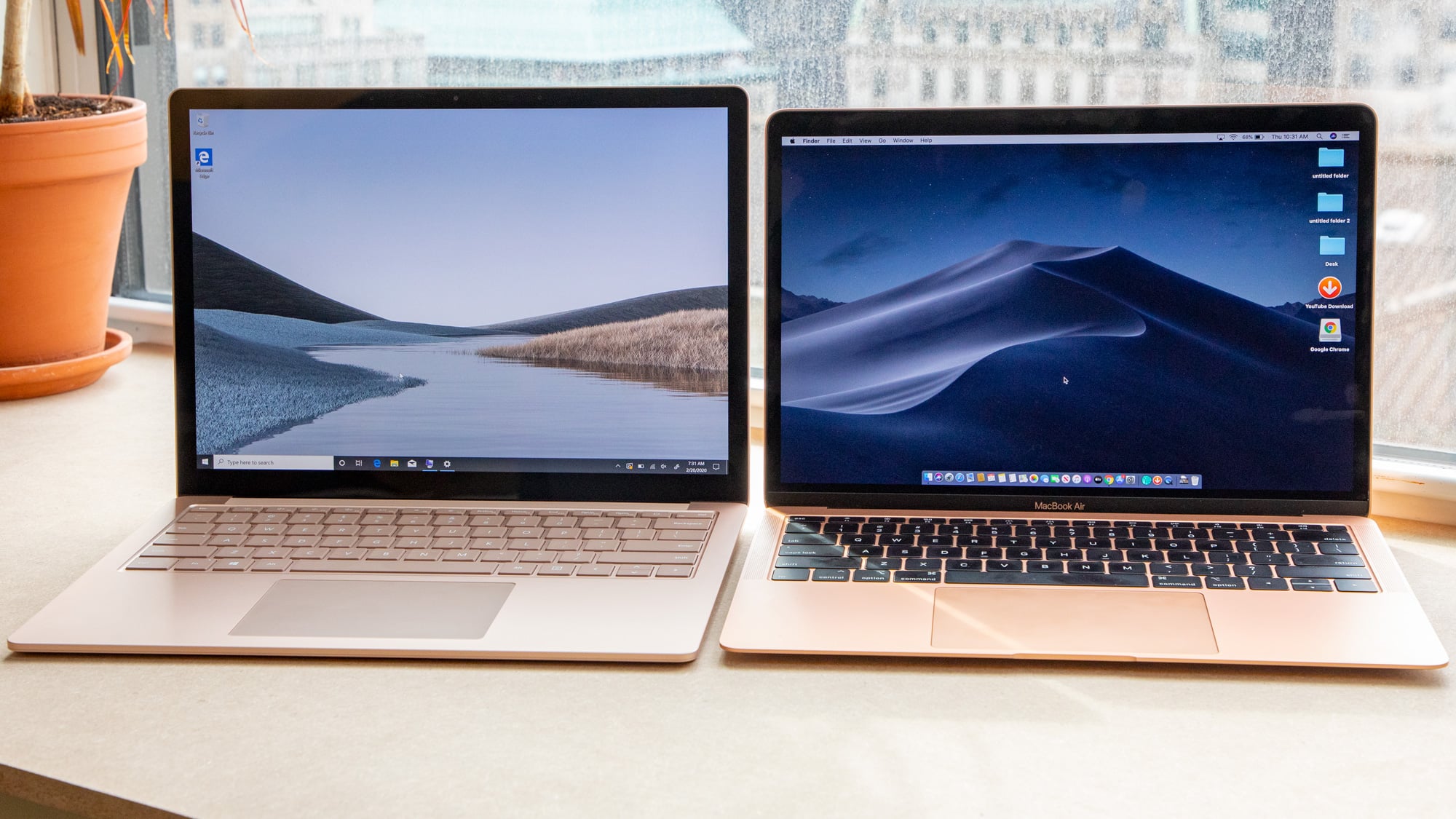
Choosing between a MacBook and a Windows laptop is one of the most important decisions buyers face when shopping for a new computer. With major technology hubs offering a wide range of options, buyers are often faced with a common question: should they choose a MacBook or a Windows laptop?
Both platforms have their strengths, and the right choice depends on factors such as budget, performance requirements, software compatibility, and long-term value. Understanding these differences can help you make a more informed purchasing decision. In this guide, we’ll compare MacBooks and Windows laptops across key areas including design, performance, battery life, security, maintenance, and overall value to help you determine which option best suits your needs.
Table of Contents
The Apple MacBook Ecosystem
Investing in a MacBook means entering Apple’s carefully controlled ecosystem, where hardware and software are built to work together. This control ensures smooth performance but also comes with a higher price tag.
Design & Build:
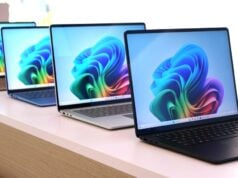
MacBooks set the industry standard for build quality. The latest MacBook Air and Pro use a unibody aluminium chassis that’s both light and rugged. For example, Apple notes the MacBook Air is only 2.7 pounds (about 1.2 kg) and “made with over 50% recycled materials and has a durable recycled aluminum enclosure built to withstand daily use.” In practice, this means a MacBook can handle the bumps of daily life in Lagos or Abuja better than many plastic laptops. The keyboard and large glass trackpad on MacBooks are also praised for comfort – long work sessions in the office or library will feel less fatiguing.
Apple Silicon (M-series) Chips
In recent models, Apple’s custom M-series chips (like the M1, M2, M3, and M4) unify the CPU, GPU, and RAM onto one energy-efficient system-on-chip. These chips deliver excellent speed and battery life. Apple advertises up to 18 hours of real-world battery life on a MacBook Air M5, and reviews in Nigeria confirm MacBooks easily hit all-day use during power outages. Because MacBooks use less power and generate less heat under load, so it’s battery last longer.
macOS Stability & Integration
macOS is tailored for Mac hardware, which tends to mean fewer crashes and a very polished user experience. Apple’s software ecosystem offers seamless continuity: for example, an iPhone or iPad automatically syncs with your MacBook for calls, texts, and file sharing. Apple highlights this by saying “all your Apple devices work together seamlessly” so you can get more done. Nigerian professionals who use multiple Apple devices often appreciate this smooth handoff. Security is also built in: features like Touch ID (fingerprint login), FileVault disk encryption, and Apple’s strict app controls (XProtect, Gatekeeper) provide strong protection by default.
The Versatility of Windows Laptops
The Windows PC world is vast. In Nigeria, brands like Dell, HP, Lenovo, and Asus dominate retail shelves because they cover every price point and use case.
Brand & Hardware Variety
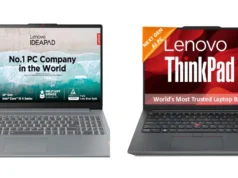
Dell laptops – known in Nigeria for “sturdiness, durability, and affordability”– range from lightweight travel Ultrabooks to heavy-duty business machines. HP is similarly popular for offering “beautifully designed and affordable laptops”. Lenovo ThinkPads and IdeaPads are valued by tech-savvy users for robust performance. ASUS is admired for its advanced cooling systems (important in hot climates). In short, whether you want a cheap student laptop or a powerful gaming or workstation PC, there is likely a Windows model available in Nigeria to fit.
Gaming & Graphics
Many Windows laptops come with dedicated NVIDIA or AMD graphics cards. This makes them well suited for gaming, 3D design, or video editing. High-end Windows models often allow memory or storage upgrades, letting you extend their life by boosting RAM or adding a new SSD later. (By contrast, modern MacBooks have fixed RAM and no user-upgradeable parts, so you must choose your specs up front.)
Local Software Compatibility
A key consideration in Nigeria is that most business and government software is designed for Windows. Banks, oil companies, telecoms, and government agencies build on Microsoft ecosystems. This means a Windows laptop will generally have fewer hassles running the local accounting systems, tax portals, or corporate VPNs common in Nigeria.
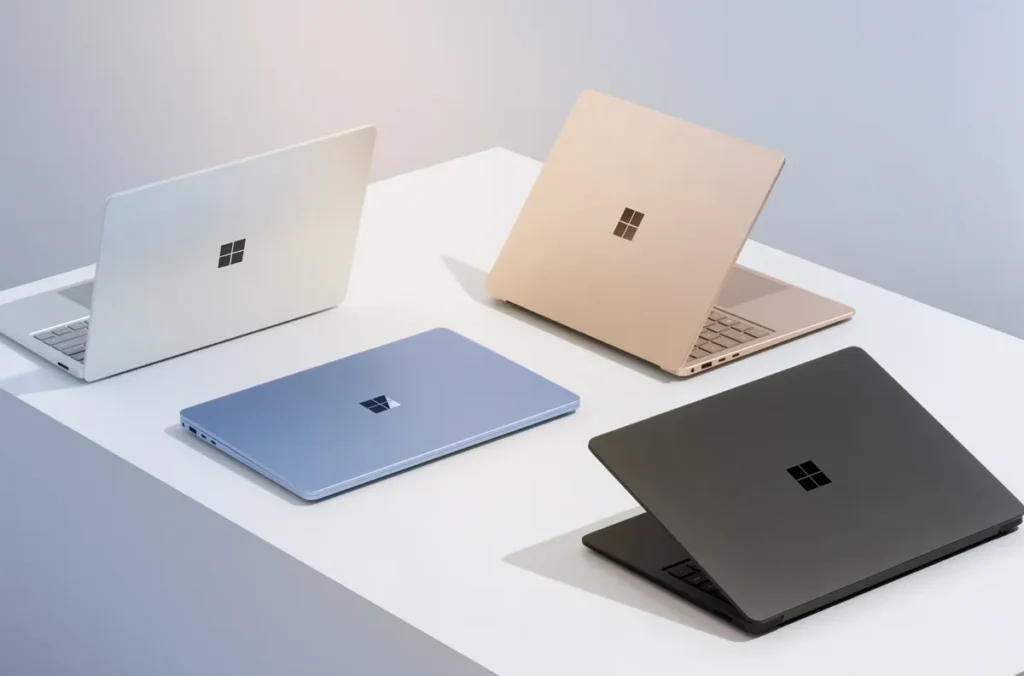
Factors to Consider When choosing Between Apple MacBook vs Windows Laptop
1. Performance and Productivity
Your laptop’s specs directly affect how smoothly it handles your workload. Consider these factors under Nigerian conditions:
Multitasking
Modern work often means juggling video calls, office apps, and browsers all at once. For this, more RAM and a powerful CPU help prevent slowdown. In practice, we recommend 16 GB of RAM for heavy multitasking. That way, you can switch between a Zoom call, a large spreadsheet, and email without lag. Both Windows and Mac offer models in this range, but Windows systems often allow later upgrades (e.g. adding RAM yourself), whereas MacBook RAM is soldered on.
Battery Life & Power Management
With grid power often inconsistent, long battery life is a lifesaver. MacBooks generally excel here. thanks to the very efficient integrated chips an average macBook can ran for about 18 hours on a charge. Many Windows laptops hit around 6–8 hours under load, although some new models stretch over 12–16 hours. For example, Lenovo’s latest X1 Carbon and HP’s Spectre x360 (2024 editions) can reach 12–16 hours. However, those are premium models; mid-range Windows notebooks often fall much shorter. Whichever you choose, enable power-saving settings and carry a portable charger or small UPS/solar backup for Nigerian use.
Software Ecosystems
Creative professionals (graphic designers, video editors, animators) tend to favor MacBooks for their optimized performance with tools like Adobe Creative Suite. MacBook screens (e.g. Liquid Retina XDR) are factory-calibrated and color-accurate. If your work demands perfect color (say in photo or video editing), the Mac’s display quality and GPU capabilities can be worth the premium. On the other hand, office and administrative work (Word, Excel, email, web conferencing) runs equally well on either platform. Windows wins for enterprise office suites and custom business applications, whereas macOS offers stability and fewer system crashes during prolonged creative tasks.
Windows vs Mac performance at a Glance:
| Feature | Windows Laptop | Apple MacBook |
|---|---|---|
| Multitasking | Can match Mac with high-end specs (e.g. +16GB RAM) | Excels at efficient app performance |
| Battery Life | Typically 4–16 hours (varies by model) | 9–18 hours on newer M-series (famous for all-day use) |
| Software Support | Native support for most Nigerian business apps | Native support for creative apps (Photoshop, Final Cut, etc.) |
| Power Management | User-customizable power plans | Apple integrates hardware/OS for optimal efficiency |
2. Cost and Long-Term Value
Upfront price is only part of the story. Think about how long the laptop will last and what it’s worth later.
When it comes to pricing, Windows laptops generally offer more flexibility for buyers on different budgets. You can find reliable Windows laptops at relatively affordable prices, while MacBooks typically require a much larger upfront investment. This makes Windows a popular choice for students, small business owners, and anyone looking to maximize value without spending a fortune.
However, MacBooks often retain their value better over time, allowing owners to recover a larger portion of their investment when reselling. Windows laptops, on the other hand, usually depreciate faster but often provide greater upgrade options, such as adding more RAM or storage. For buyers who want a laptop that can grow with their needs, a Windows device may offer better long-term flexibility, while a MacBook may be attractive for its stronger resale value and premium experience.
3. Maintenance and Repair in Nigeria
No matter how good the laptop, things happen – drops, spills, or electrical surges. What matters is how easy (and expensive) it is to fix.
The Windows ecosystem is very “open” in Nigeria. Standard Windows laptops are built with modular parts – RAM sticks, SSDs, batteries, even keyboards and charging ports – that can be swapped out by local tech shops. Computer Village is full of shops selling these parts. Typical repairs are relatively cheap: for example, fixing a broken screen might cost ₦15,000–60,000, and replacing a charging port or keyboard often is under ₦20,000. Even a more serious logic board replacement may run ₦40,000–100,000. Because parts are common, you usually get quick service and a big choice of third-party repairers around Lagos or Abuja.
Apple MacBooks on the other hand use highly integrated “system on chip” designs – the CPU, GPU, RAM, and even the SSD are combined on a single logic board. This makes them blazingly fast but hard to repair or upgrade. Many components are soldered, so even replacing something simple often means expensive service. For instance, getting a cracked MacBook Air screen fixed in Nigeria can cost on the order of ₦180,000–250,000 – roughly the price of a new entry Windows laptop. A faulty Mac logic board (motherboard) typically requires board-level repair or replacement (quoted around $300–$1,500), which could run into the hundreds of thousands of naira.
4. Portability and Durability
If you frequently travel, commute, or move between work locations, portability and durability should be high on your checklist. MacBooks are known for their premium aluminum build, which combines durability with a lightweight design that’s easy to carry around. Many premium Windows laptops also feature metal construction and lightweight designs, while budget models often use plastic materials that may be lighter but generally feel less sturdy.
Comfort is equally important, especially if you spend hours typing. MacBooks are known for their responsive keyboards and large, precise trackpads, while Windows laptops offer a wider variety of keyboard and touchpad experiences depending on the brand and model. Before buying, test the keyboard to ensure it feels comfortable and look for useful features such as a backlit keyboard, which can make working easier in low-light conditions or during power outages.
5. Security and Data Protection
Keeping your personal and professional data secure is essential, regardless of the laptop you choose. Both MacBooks and Windows laptops come with built-in security features designed to protect your files, passwords, and sensitive information. MacBooks offer features such as FileVault encryption and Touch ID, while Windows laptops commonly include BitLocker encryption, TPM security chips, and Windows Hello for fingerprint or facial recognition login.
However, security goes beyond the device itself. If you frequently connect to public Wi-Fi networks in cafés, airports, or shared workspaces, consider using a VPN and avoid accessing sensitive information over unsecured connections. Regularly updating your operating system, enabling built-in security tools, and using strong passwords can significantly reduce the risk of cyber threats and help keep your data protected.
Which Laptop Fits Your Needs?
Every user’s work style is different. Here are some general recommendations:
- Creative Professionals: (Graphic designers, video editors, 3D artists) – The MacBook Pro with M-series chips is a natural fit. Its high-resolution, color-accurate display, efficient performance, and excellent battery life make demanding creative work smoother. Mac software ecosystem (Final Cut Pro, Logic Pro, etc.) is also top-notch. If you regularly create multimedia content and budget allows, a MacBook Pro is worth the investment.
- Software Developers & IT: If you develop iOS or macOS apps, you must use a MacBook (Xcode only runs on Mac). Unix/Linux developers also often prefer macOS or Linux (which can run on Mac hardware). For Windows/.NET development, enterprise tools, or game development, a high-end Windows laptop (Dell XPS, Lenovo ThinkPad, HP Spectre/X360) is ideal. Ensure at least 16GB RAM and a modern CPU for running IDEs, Docker, VMs, etc.
- Corporate & Office Work: (Finance, admin, business management) – Windows is usually best. Windows laptops integrate seamlessly with office printers, projectors, and common business software like Microsoft Office, SAP, or custom legacy apps. Models like the Lenovo ThinkPad series or HP ProBook/EliteBook offer robust security features (bitlocker, fingerprint sensors) and practical ports (Ethernet, HDMI, multiple USB) for presentations. They also tend to be more affordable up front.
- Students & Education: Budget and durability are key. A mid-range Windows laptop (e.g. 8–16GB RAM, SSD) will handle writing papers, research, and even light coding. Chromebooks are also popular for ultra-cheap options (though they require steady internet). If funds permit and battery life is a top concern (all-day classes), a MacBook Air is an excellent but pricier choice. Look for spill-resistant keyboards and rugged build, since books and tablets share backpacks with these machines.
In short, match the laptop to your workflow: MacBooks shine for creative/media tasks and long battery life, while Windows laptops excel at flexibility, affordability, and compatibility with local software.
Conclusion
There’s no one-size-fits-all answer in Nigeria. If your priority is affordability, easy local repairs, and running any software, a Windows laptop (from HP, Dell, Lenovo, etc.) is likely the safer bet. If you value premium build, integration with Apple devices, exceptional battery life, and long-term resale, the MacBook is worth considering despite its higher cost.
In a nutshell, before you buy, make a list of your must-haves (software requirements, battery hours, etc.) and shop around. Visit Kara online store to access a wide range of windows and macBook laptops. Your ideal laptop is the one that fits your specific work habits and budget, not just the brand name.