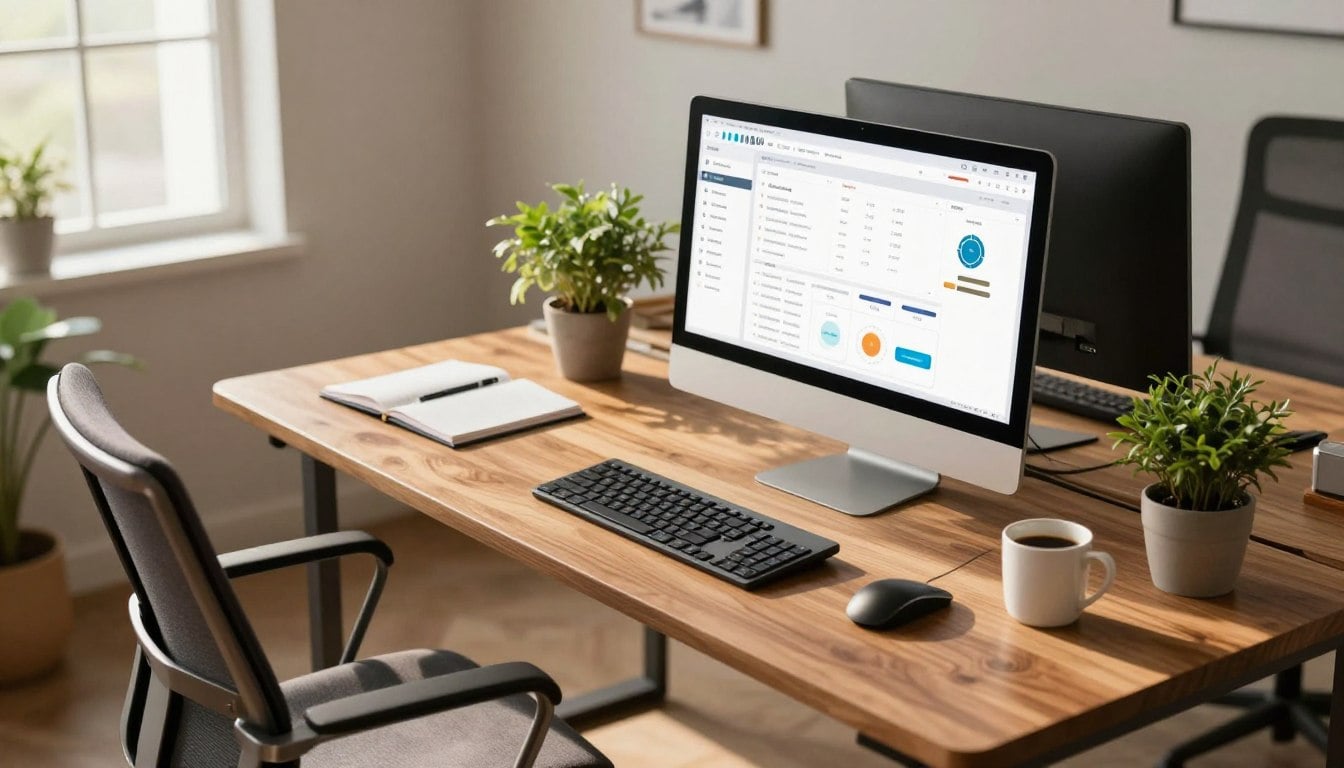
When it comes to buying computers for business, it is important to prioritize your needs over your budget. Choosing the right computer is beyond buying the most expensive device or the fastest processor available. The best business computer is one that matches your daily workload, supports productivity, and remains reliable as your business grows.
For Nigerian businesses especially, factors like electricity challenges, rising technology costs, remote work demands, and long working hours make smart computer buying decisions more important than ever.
A wrong purchase can lead to slow performance, frequent repairs, reduced productivity, and unnecessary expenses. On the other hand, investing in the right computer can improve efficiency, support smoother operations, and help your business run more successfully for years.
To help you navigate this landscape effectively, here are some key factors to consider.
Table of Contents
Understanding Your Business Needs First
Before choosing any computer, the first thing to consider is the kind of work your business handles daily.
Different businesses require different levels of performance. A laptop suitable for a small POS business may not be powerful enough for graphic design, video editing, accounting software, architecture, programming, or heavy multitasking.
Many Nigerian business owners make the mistake of buying computers based only on appearance or price without considering workload requirements.
Start by asking important questions like:
- What type of work will the computer handle?
- How many hours will it be used daily?
- Will staff use multiple applications at once?
- Will it handle accounting, design, editing, or only basic office tasks?
- Is portability important?
- Will employees work remotely?
Understanding your business needs first helps you avoid overspending or buying underpowered systems. It ensures you invest in systems aligning with your workflow and financial goals. Thoughtful planning lays the groundwork for intelligent, scalable business computing.

Types of Business Computers
Of course, when talking about business computers, it is important to understand that there are different types of systems designed for different work environments and business needs. Some businesses may need portable laptops for flexibility and remote work, while others may require desktop computers for stronger performance and long working hours.
There are also all-in-one computers that help save office space and create cleaner workstation setups. Understanding the strengths of each computer type helps business owners make smarter long-term investments.
Desktop Computers
If the computer will mostly remain in one location, such as an office, reception area, school, or business workspace, then a desktop computer is usually the more cost-effective option. In many cases, a desktop with the same specifications as a laptop will cost less while delivering stronger performance and better long-term reliability.
Desktop systems are also easier to upgrade over time. Businesses can increase RAM, add more storage, improve graphics performance, or replace components when needed instead of buying an entirely new system. This flexibility makes desktops a smart long-term investment for companies planning future expansion.
Another major advantage is cooling and ventilation. Because desktop computers have larger internal space and better airflow, they typically handle long work hours and heavy workloads more efficiently than many laptops. This makes them ideal for accounting firms, cyber cafés, design studios, offices, and businesses that run demanding applications daily.
Business Laptops
Business laptops are designed for flexibility and mobility, making them ideal for modern businesses where employees work remotely, travel frequently, attend meetings, or move between locations regularly. Instead of being tied to a single workspace, users can easily carry their work anywhere.
They are especially useful for entrepreneurs, executives, freelancers, sales representatives, and remote workers who need productivity on the go. Modern business laptops now offer strong performance, impressive battery life, lightweight designs, and enough power to handle multitasking comfortably. Of course, every stage of a business has a suitable computer setup, but the most important thing is choosing a system based on usability, performance, and how well it supports your daily business operations.
Although laptops are generally more expensive than desktops with similar specifications, the convenience they offer often justifies the cost for businesses that prioritize mobility and flexibility.
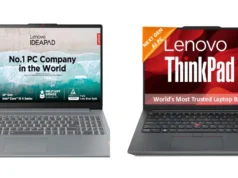
Premium business laptop series like the HP EliteBook, Dell Latitude, and Lenovo ThinkPad are especially popular because they combine portability with durability and business-focused features.
All-in-One Computers
All-in-one computers combine the monitor and computer hardware into one compact system, helping businesses save desk space while maintaining a clean and professional office appearance. These systems reduce cable clutter and create more organized workstations, which is why they are commonly used in hotels, reception areas, schools, hospitals, and customer-facing businesses.
They are usually easier to set up compared to traditional desktop systems and work well for everyday office operations, presentations, customer management, and administrative tasks.
Although they may not offer the same upgrade flexibility as traditional desktops, all-in-one systems still provide reliable performance for everyday office work, presentations, customer management, and administrative tasks.
Workstations
Workstations are powerful business computers built for professionals who handle demanding software and intensive workloads daily. They are commonly used by video editors, architects, engineers, programmers, animators, and graphics designers who require maximum performance and stability.
Unlike regular office computers, workstations are designed to process complex tasks more efficiently using powerful processors, larger RAM capacity, dedicated graphics cards, and advanced cooling systems. For businesses that rely heavily on creative software, rendering, simulations, or large-scale multitasking, workstations can significantly improve speed, productivity, and workflow efficiency.
Essential Computer Features for Business Success
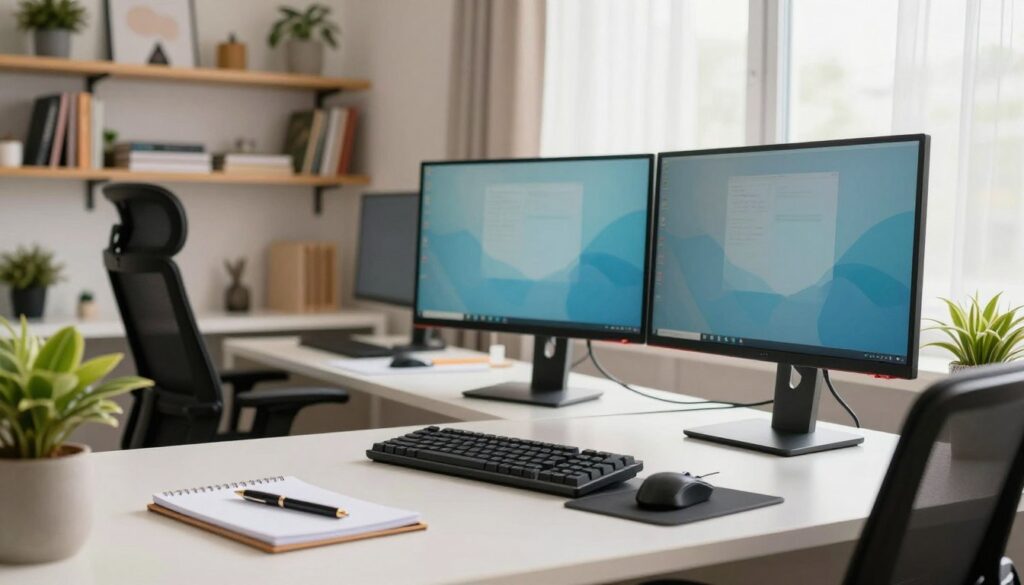
Having decided on the type of computer that best suits your business, the next step is choosing the right specifications. The performance of a business computer depends heavily on its hardware features, and selecting the right combination can improve productivity, efficiency, and long-term reliability for your daily operations.
Processor Requirements
The processor determines how fast and efficiently a computer handles tasks.
For basic business operations such as emails, browsing, invoicing, and Microsoft Office work, Intel Core i3/i5 or Ryzen 3/5 processors may still perform adequately.
However, businesses handling multitasking, accounting software, remote work, content creation, or professional applications should consider Core i7/i9, Ryzen 7, or Ryzen Threadripper processors for smoother performance and better long-term usability.
Memory Guidelines
RAM plays a major role in multitasking performance. A business computer with insufficient memory may become slow when multiple applications are open simultaneously.
For modern business use:
You should consider at least 16GB RAM to ensure the smooth running of your applications. More may be required if you run intensive tasks.
- 16GB RAM is recommended for multitasking and professional work
- 32GB RAM may be necessary for heavy editing, rendering, or advanced software workloads
Higher memory capacity helps businesses work faster and more efficiently.
Storage Solutions
Storage speed affects how quickly a computer boots, loads applications, and transfers files. Solid State Drives (SSDs) are now strongly recommended for business computers because they are much faster and more reliable than traditional hard drives.
An SSD improves overall system responsiveness, reduces loading times, and delivers a smoother working experience. Many businesses now combine SSD storage for speed with larger secondary storage drives for file management and backups.
For the Storage capacity, a minimum of 512GB is recommended for general use. 1TB or higher is ideal if you regularly handle large files.
Security and Data Protection
Security should never be overlooked when buying a business computer. Many businesses now store sensitive customer information, financial records, passwords, invoices, and company documents digitally, making protection extremely important.
Modern business computers often include security features such as fingerprint scanners, facial recognition, TPM security chips, encrypted storage, and BIOS protection. These features help reduce the risk of unauthorized access and data theft. Businesses should also prioritize regular backups, antivirus protection, and secure cloud storage solutions to avoid losing valuable information.
Connectivity Options
A good business computer should support modern connectivity needs. Most businesses rely heavily on internet access, external devices, online meetings, printers, cloud storage, and file transfers daily.
Before buying, check for essential ports and connectivity features such as:
- USB-A and USB-C ports
- HDMI support
- Wi-Fi connectivity
- Bluetooth
- Ethernet ports
- SD card readers where necessary
Strong connectivity options improve flexibility and make it easier to connect external monitors, projectors, storage devices, and office accessories.
Display
Choose high-resolution screens (Full HD or higher) to reduce eye strain. A 13-inch laptop and 24-inch monitor with HD (1920×1080) resolution is often sufficient for everyday office work, and a 16-inch laptop and quad HD or 4K display might be required for video editing and graphics design
Operating System Considerations
Choosing the right operating system depends on your business workflow, software requirements, and budget.
Windows
Microsoft Windows remains the most widely used operating system for businesses because of its compatibility with most office software, accounting tools, and business applications. It offers flexibility, broad hardware support, and familiarity for most users.
macOS
macOS is popular among creative professionals, designers, video editors, and businesses heavily invested in the Apple ecosystem. It is known for stability, premium user experience, and optimized performance on Apple hardware.
Chrome OS
ChromeOS is a lightweight operating system commonly found on Chromebooks. It works well for businesses that mainly rely on web-based applications, cloud storage, emails, and online collaboration tools. However, it may not support some advanced professional software required by certain industries.
Best Business Computers You Can Consider
Budget Desktop — HP ProDesk 400 G5
The HP ProDesk 400 G5 is one of the most common business desktops in Nigeria because of its affordability and reliable office performance. It works well for administrative work, accounting, cyber cafés, schools, and general business operations.
Key Specifications
- Intel Core i3 Processor
- 8GB RAM
- 256GB SSD
- Multiple USB ports
- Compact office-friendly design
Mid-Range Desktop — Dell OptiPlex 7090
The Dell OptiPlex 7090 is built for growing businesses that need smoother multitasking and long-term reliability. It is widely used in offices, banks, and professional workspaces across Nigeria.
Key Specifications
- Intel Core i5 Processor
- 16GB RAM
- 512GB SSD
- Windows 11 support
- Strong business durability
Premium Desktop — HP EliteDesk 800 G9
The HP EliteDesk 800 G9 is designed for executives and businesses that need premium office performance and enterprise-level security.
Key Specifications
- Intel Core i7 Processor
- 16GB/32GB RAM
- 1TB SSD
- Advanced security features
- Premium professional build
Budget Laptop — HP 250 G9
The HP 250 G9 is a practical business laptop for startups, SMEs, students running businesses, and office users who need affordability without sacrificing everyday productivity.
Key Specifications
- Intel Core i3/i5 Processor
- 8GB RAM
- 256GB/512GB SSD
- 15.6-inch Full HD display
- Lightweight business design
Mid-Range Laptop — Lenovo ThinkPad E14 Gen 5
The Lenovo ThinkPad E14 Gen 5 is one of the most reliable business laptops available in Nigeria today. It is known for durability, keyboard comfort, and dependable performance.
Key Specifications
- Intel Core i5/i7 Processor
- 16GB RAM
- 512GB SSD
- Fingerprint security
- Strong business-grade build
Premium Laptop — HP EliteBook 840 G10
The HP EliteBook 840 G10 is perfect for executives, remote professionals, and business owners who want premium performance, portability, and advanced security.
Key Specifications
- Intel Core i7 Processor
- 16GB RAM
- 512GB SSD
- Premium aluminum chassis
- Excellent battery life
- Enterprise security features
Budget All-in-One — Lenovo IdeaCentre AIO 3
The Lenovo IdeaCentre AIO 3 is suitable for front desks, schools, reception areas, and businesses that want cleaner office setups without bulky desktop towers.
Key Specifications
- AMD Ryzen 3/5 Processor
- 8GB RAM
- 256GB SSD
- 24-inch Full HD display
- Space-saving design
Mid-Range All-in-One — HP ProOne 440 G9
The HP ProOne 440 G9 combines strong business productivity with a modern office appearance. It works well for administrative offices and customer-facing businesses.
Key Specifications
- Intel Core i5 Processor
- 16GB RAM
- 512GB SSD
- Full HD display
- Built-in webcam and speakers
Premium All-in-One — Apple iMac M3
The iMac M3 is ideal for creative businesses, media companies, design studios, and professionals who want premium performance with a beautiful display.
Key Specifications
- Apple M3 Chip
- 16GB Unified Memory
- 512GB SSD
- 24-inch Retina display
- Ultra-slim premium design
Budget Workstation — HP Z2 Mini G5
The HP Z2 Mini G5 is a compact workstation suitable for light design work, programming, architecture, and technical office tasks.
Key Specifications
- Intel Core i5 Processor
- 16GB RAM
- 512GB SSD
- Compact workstation design
- Professional-grade stability
Mid-Range Workstation — Dell Precision 3660 Tower
The Dell Precision 3660 Tower delivers excellent performance for designers, engineers, editors, and businesses running demanding software applications.
Key Specifications
- Intel Core i7 Processor
- NVIDIA RTX Graphics
- 32GB RAM
- 1TB SSD
- Advanced cooling system
Premium Workstation — Lenovo ThinkStation P620
The Lenovo ThinkStation P620 is a high-end workstation built for heavy rendering, AI workloads, animation, 3D design, and enterprise-level technical work.
Key Specifications
- Enterprise workstation performance
- AMD Ryzen Threadripper Processor
- NVIDIA RTX Professional Graphics
- 64GB RAM
- 2TB SSD
Where To Buy Desktop Computers in Nigeria
Kara Nigeria is a trusted online store offering a wide range of computers best suited for your business. Access warranty support, secure payment options, and delivery across Nigeria. Whether you need a desktop computer, business laptop, or all-in-one computer, buying from a verified retailer greatly reduces your risk of scams and counterfeit devices.
Conclusion
Choosing the right computer hardware is an important business decision that can directly affect your company’s daily operations, productivity, and long-term growth. The type of computer you invest in will influence how efficiently your team works, how smoothly your software runs, and how reliably your business operations remain over time.
It is always advisable to focus on trusted brands like Dell, HP, and Lenovo because they have strong market presence, better support availability, and easier access to spare parts in Nigeria. Investing in quality hardware helps reduce downtime, maintenance problems, and unnecessary replacement costs.
Before making a final purchase, carefully assess your business needs, power requirements, office space, mobility needs, and future expansion plans. A properly planned computer investment will improve efficiency, support productivity, and position your business for smoother growth in the long run.