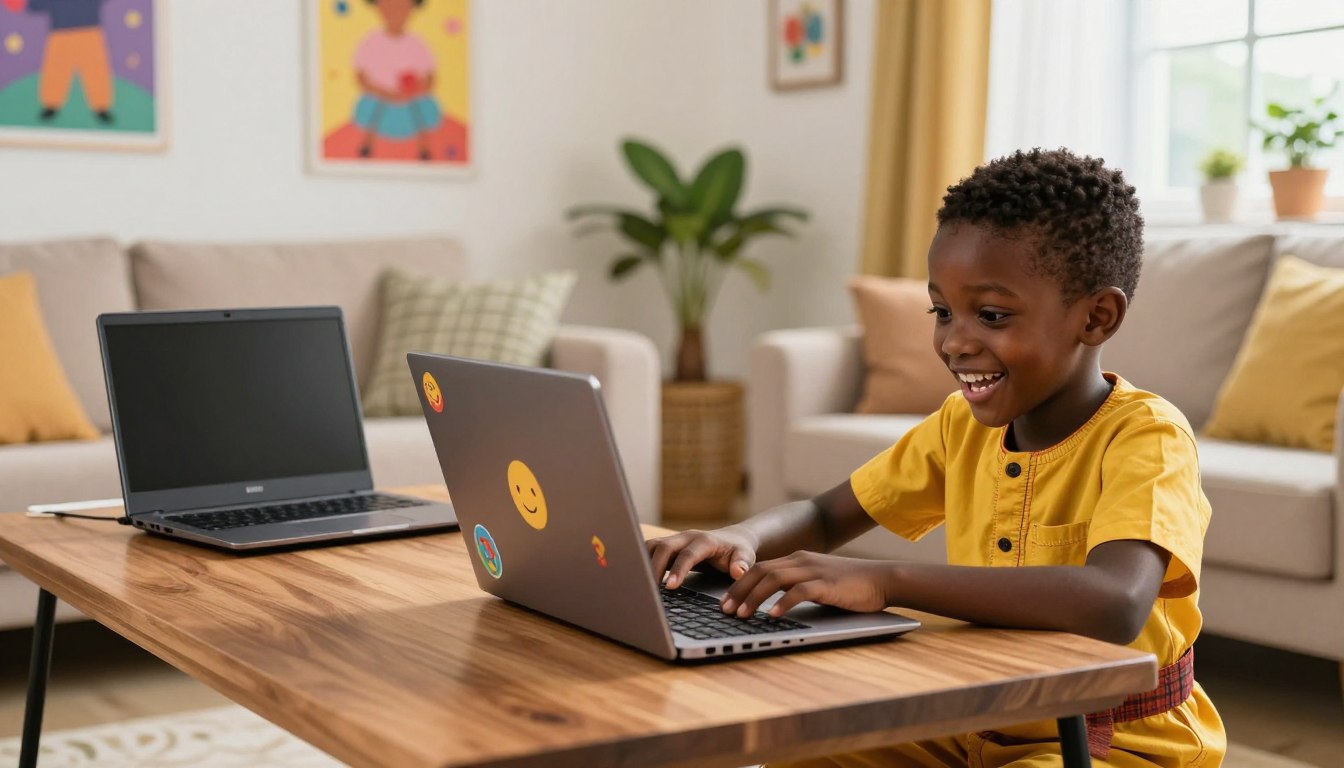
Choosing a laptop for children in Nigeria is different from choosing one for adults. The goal is not maximum power—it is durability, safety, ease of use, good battery life, and affordability. Modern learning is becoming more digital, and many children now use laptops for online classes, homework, coding lessons, educational games, creative projects, and skill development.
However, choosing the right laptop for kids can be difficult because not every laptop is designed for student use. Some are too expensive, while others may be too weak to handle modern educational applications.
When buying a laptop for your child, choose one that’s easy to use. A simple interface makes learning easier. This helps them grow and learn new skills.
Getting the right tech now sets your child up for the future. Let’s look at the best laptops that offer great value and performance for your family.
Table of Contents
Why Selecting the Right Laptop Matters for Your Child
Choosing the best laptops for children can change how they do their schoolwork. The right digital tools make learning fun at home and in school.
A good device lets your child do homework, research, and join online lessons easily. They need a reliable laptop that works well with educational software.
Getting the right laptop for your child stops them from getting frustrated with technology. A laptop that fits their age and school needs lets them focus on learning, not tech problems. It helps them learn new things and feel confident with technology. This prepares them for the future.
Essential Criteria for the Best Laptops for Children in Nigeria
Choosing the right laptop for your child is a big step towards their future. You need to think about what’s best for school life in Nigeria. This means finding a laptop that’s both good for learning and easy to use.

Durability and Build Quality
A student laptop must be tough to handle daily trips to school. Look for laptops with strong bodies that can take a few bumps.
It’s important to find a laptop that’s not too heavy but still strong. This way, your child can carry it easily and it won’t get damaged quickly.
- Reinforced hinges for frequent opening and closing.
- Spill-resistant keyboards to protect against accidental drink mishaps.
- Scratch-resistant screens that maintain clarity over time.
- Compact form factors that fit easily into standard school backpacks.
Performance Requirements for Schoolwork
Your child’s laptop needs to be fast enough for school tasks. This includes online classes, research, and writing assignments. It should always be quick to respond.
Also, the laptop’s battery should last all day. This lets your child learn without worrying about running out of power.
- Efficient processors for smooth multitasking during web browsing.
- Clear, high-resolution displays for comfortable reading.
- Responsive keyboards designed for smaller hands to improve typing speed.
- Integrated webcams and microphones for clear video conferencing.
Safety and Parental Control Features
Digital safety is very important for parents today. Make sure the laptop’s operating system has strong parental controls. These let you watch what your child does online and block bad sites.
These controls help you feel secure while your child uses the internet for school. They help keep your child safe and focused on their studies.
Best Laptops for Children in Nigeria
Choosing the right laptop for your child depends on how they learn, what they need it for, and how much you want to spend. Some children only need a simple device for online classes and homework, while others may benefit from a more flexible laptop for typing, drawing, and interactive learning. That is why it helps to understand the main types of laptops for children before making a choice.
Here are three main types of laptops for children to choose from:
- Chromebooks for web-based learning.
- Entry-level Windows laptops for more flexibility.
- 2-in-1 laptops for drawing, note-taking, and interactive learning.
1. Chromebook Laptops
Chromebooks are great for web-based learning. They’re made for students who use cloud apps and online learning sites. A Chromebook gives your child a simple, distraction-free way to focus on their studies. They are usually simple, fast to start, and easy for kids to use, which makes them especially helpful for younger students who do not need advanced software.
Because most work happens online, Chromebooks are often more affordable than regular laptops and can be a practical option for parents who want value for money. They are best for children who use Google Classroom, Zoom, browsing, typing, and other basic learning tools.
A Chromebook is ideal when the focus is on simplicity, speed, and everyday school tasks rather than heavy programs or gaming.
Here are a few Chromebook models you can consider for your children:
Acer Chromebook Spin 513
The Acer Chromebook Spin 513 is a flexible 2-in-1 device. It’s perfect for different learning settings. Its small size makes it easy to carry around, whether in class or at home. This model has a touch screen and a 360-degree hinge. It works as a laptop or tablet. It’s a top pick for kids because it performs well all day.
HP Chromebook 11MK G9 Education Edition
The HP Chromebook 11MK G9 Education Edition is a lightweight, rugged, and lightning-fast learning companion built to survive the school bag, the classroom desk, and the busy Nigerian home. Powered by Chrome OS and an octa-core processor, it boots up in seconds and keeps running smoothly all day long. Give your child the tool they need to excel in online classes, homework, and research—without breaking the bank.
Lenovo IdeaPad Duet 5 Chromebook
The Lenovo IdeaPad Duet 5 is a stylish, detachable Chromebook. It’s great for students who do creative work. It’s perfect for switching between typing and watching videos. It has a beautiful OLED display and a detachable keyboard for easy carrying. This device has a bright screen and long battery life. It keeps your child focused all day. It’s a modern, safe choice for kids to use.
2. Versatile 2-in-1 Laptops for Interactive Education
When looking for the best laptops for kids, many parents turn to 2-in-1 devices. These laptops are great because they can switch between laptop and tablet modes. They’re perfect for kids who love to draw, take digital notes, and enjoy interactive learning.
HP Pavilion x360
The HP Pavilion x360 is a top pick for students. It’s easy to switch from laptop to tablet mode thanks to its 360-degree hinge. This makes it a great choice for kids who need a versatile device. It has a Full HD touchscreen with a comfy keyboard for typing. This 2-in-1 laptop also supports active pens for digital art.
ASUS Vivobook Flip 14
The ASUS Vivobook Flip 14 is a top choice for kids who need a laptop that’s both powerful and easy to carry. It’s made for creative tasks and is light enough for a school bag. It also has a high-quality display and a fingerprint sensor for quick security.
Dell Inspiron 13
The Dell Inspiron 13 2-in-1 (I5379) is a versatile convertible PC that adapts to your children’s daily needs. The convertible 360-degree hinge design means you can switch seamlessly between four usage modes: laptop, tablet, stand, and tent.
3. Windows Laptops for Flexibility
Entry-level Windows laptops are a good choice for children who need a little more flexibility than a Chromebook can offer. They can run a wider range of apps, handle offline schoolwork more easily, and work well for typing, browsing, video calls, and simple projects.
This option is especially useful for older children or students who may need a laptop that can grow with them over time. If your child needs a device for both school and light everyday use, an entry-level Windows laptop is often the most balanced choice.
Lenovo IdeaPad Slim 3
The Lenovo IdeaPad Slim 3 offers excellent value for money with dependable performance and good battery optimization.
For younger kids, small-screen laptops are a good choice. They are easy to carry and use. These laptops grow with your child as their schoolwork gets harder.
Dell Inspiron 15
The Dell Inspiron 15 is loved by many families. It’s strong and works well for schoolwork and projects. It’s a reliable choice for students. It has a big 15.6-inch screen for clear viewing with solid build quality, and a soft keyboard enabling a comfortable typing experience.
Acer Aspire 5
The Acer Aspire 5 is another excellent option. It’s known for its good value and sleek design. It’s powerful enough for today’s educational software. It’s a slim laptop with a good webcam for clear video calls and fast wireless for smooth online learning.

Why a Laptop Can Be a Great Gift for Children
A laptop is no longer just a luxury gadget for children. It can help them:
- Access educational content safely
- Learn digital skills early
- Improve research abilities
- Practice typing and productivity
- Attend online classes
- Learn coding and creative skills
Where to Buy Affordable Student Laptops in Nigeria
For parents looking to buy affordable brand-new laptops for their children, Kara Nigeria offers a wide range of student-friendly laptops from trusted brands like HP, Dell, Lenovo, ASUS, and Acer. The platform provides competitive pricing, warranty support, secure payment options, and nationwide delivery.
Conclusion
Buying a good device is a step towards your child’s future success. It helps them grow in a world full of technology. By choosing wisely, you give them the tools to succeed.
Think about how long the laptop will last and how well it will perform. A laptop that fits their needs now and will grow with them is ideal.
Before you buy, check what their school needs. Finding a laptop that meets their needs and fits your budget is key. This way, you get the most value for Children’s Day.
Choosing the right laptop is a big part of their learning journey. Use this guide to make a confident choice. Your support will help them learn new things and be creative with technology.
FAQ
What are the best laptops for children to use for daily schoolwork in Nigeria?
The top laptops for kids should be tough, affordable, and work well. For younger ones, the Acer Chromebook Spin 513 and Lenovo IdeaPad Duet 5 are great. They are easy to use and last a long time. If your child needs software that’s not online, the Dell Inspiron 15 and Acer Aspire 5 are good. They run Windows and are strong enough for school.
Why is it a good idea to buy laptop for your child rather than a tablet for their education?
Laptops are better than tablets because they have a real keyboard and a full desktop. This helps kids learn to type and use computers better. It also lets them do more complex work and join online classes. Devices like the HP Pavilion x360 have touchscreens. This means kids can use them for interactive learning too.
Which children laptop is most suitable for secondary school students in Nigeria?
Older students need laptops that can handle lots of tasks at once. The Microsoft Surface Laptop Go 3 and Apple MacBook Air M2 are great for this. You can also consider the Acer Aspire 5 and the HP 15 window laptop. These laptops are durable and perfect for video calls and lots of research. These laptops are reliable and will help your teenager through high school.
How important are parental controls when selecting a laptop for a younger student?
Parental controls are very important for kids’ laptops. Chromebooks have Google Family Link for safety. Windows devices like the ASUS Vivobook Flip 14 use Microsoft Family Safety. These tools let you watch what your child is doing online. You can also limit screen time and keep them safe from bad websites.
Can a Chromebook handle all the requirements of the Nigerian school curriculum?
Chromebooks are perfect for schools that use the internet for learning. They are quick, safe, and easy for kids to use. But, if your school needs Windows for certain programs, a laptop like the Acer Aspire 5 might be better.