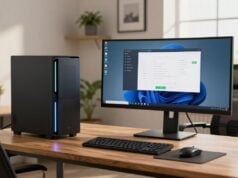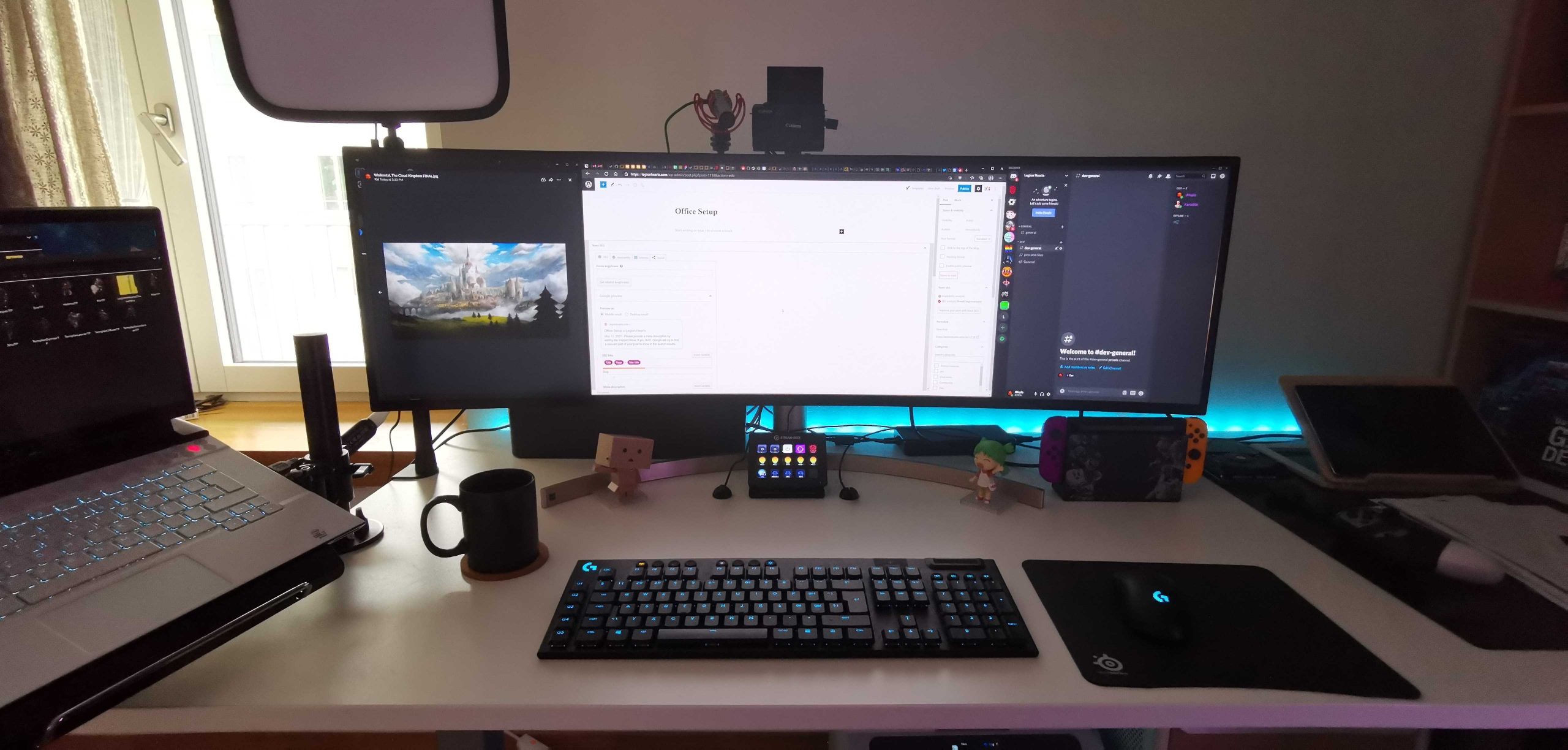
A well-optimized home office is no longer a luxury for remote software developers; it is a critical investment in your productivity, health, and career longevity. In 2026, the boundary between “work” and “home” is increasingly defined by the quality of your physical setup.
This guide outlines the essential components of a high-performance workspace, from ergonomic furniture to the specialized peripherals that make long coding sessions manageable.
The Foundation: Ergonomic Furniture
The most important “hardware” you will ever interact with is your chair and desk. Developers spend an average of 8–10 hours a day seated, making ergonomics the primary defense against chronic back and neck issues.
The Ergonomic Chair
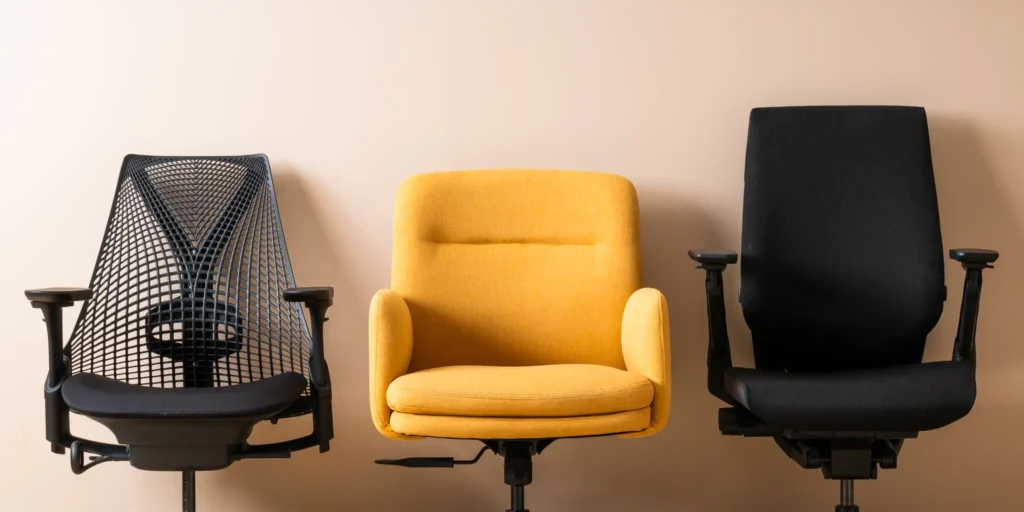
In 2026, the gold standard remains the Herman Miller series. The Herman Miller Sayl is a top overall pick for its gridded, breathable elastomer backrest, which provides dynamic support across various sitting positions. For those looking for a premium upgrade, the Steelcase Leap offers unmatched lumbar adjustability and weight distribution.
If you are on a budget, the Mimoglad Office Chair or the Staples Hyken provide surprisingly good mesh support and recline functionality for a fraction of the cost of high-end models.
The Sit-Stand Desk
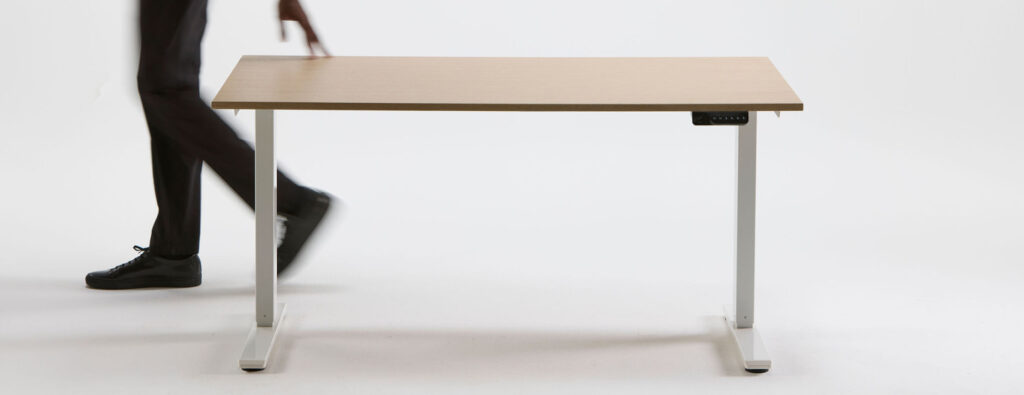
Postural variation is key to preventing stiffness. A motorized standing desk, such as the Uplift V3 or the Flexispot E7 Pro, allows you to transition between sitting and standing in seconds. Look for desks with a high weight capacity (at least 355 lbs) and dual motors for stability, especially if you have a multi-monitor setup.
2. Visual Real Estate: High-Resolution Monitors
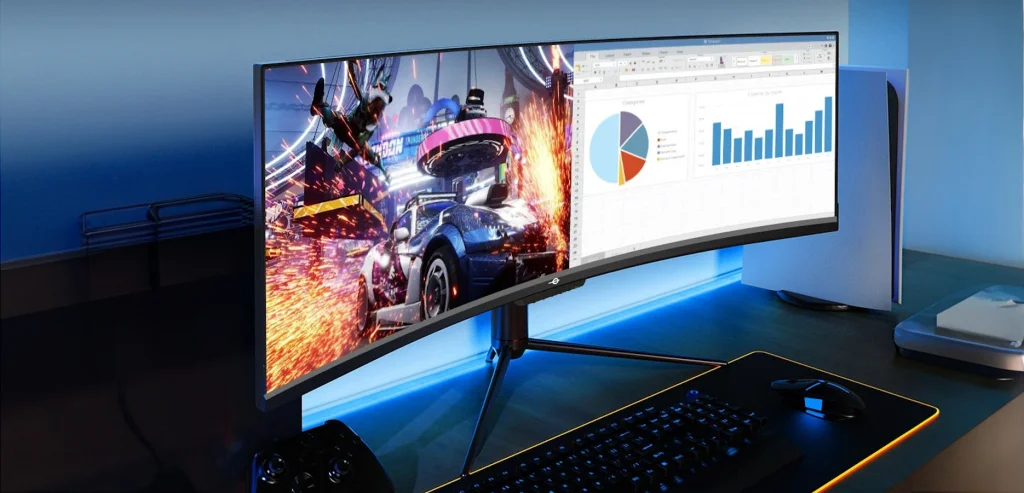
A software developer’s productivity is directly linked to screen real estate. Being able to view your IDE, browser, and terminal simultaneously without constant tab-switching is a game-changer.
Ultrawide vs. Dual Monitors
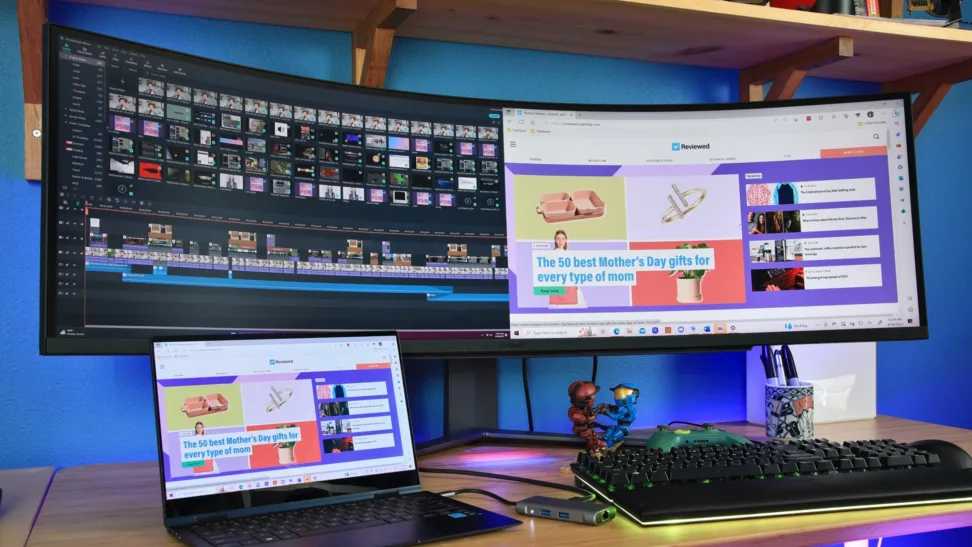
Many developers now prefer a single ultrawide monitor over dual screens to eliminate the bezel between them. The HP Series 7 Pro 34-inch WQHD is a 2026 favorite, featuring a built-in high-quality webcam for meetings and a massive screen that can be partitioned virtually.
For those who prioritize color accuracy and “smart” features, the Samsung Smart Monitor M9 (M90SF) provides a gorgeous 32-inch 4K OLED panel that doubles as an entertainment hub when the workday ends.
3. The Developer’s Input: Keyboards and Mice
Peripherals are where developers have the most room for personal customization. A mechanical keyboard isn’t just about the satisfying sound; it’s about tactile feedback and reducing typing fatigue.
Mechanical Keyboards
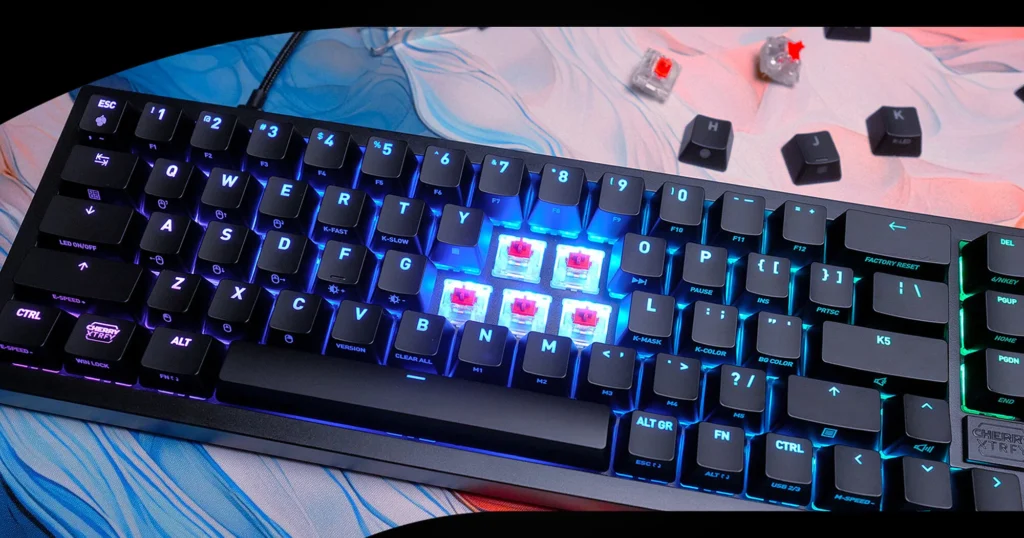
The Keychron Q1 Series is highly recommended for developers for its robust CNC-machined aluminum build and full QMK/VIA programmability, which lets you create custom macros for repetitive code blocks. For remote workers who travel, the low-profile NuPhy Air75 V2 offers extreme portability without sacrificing the mechanical feel.
Precision Mice
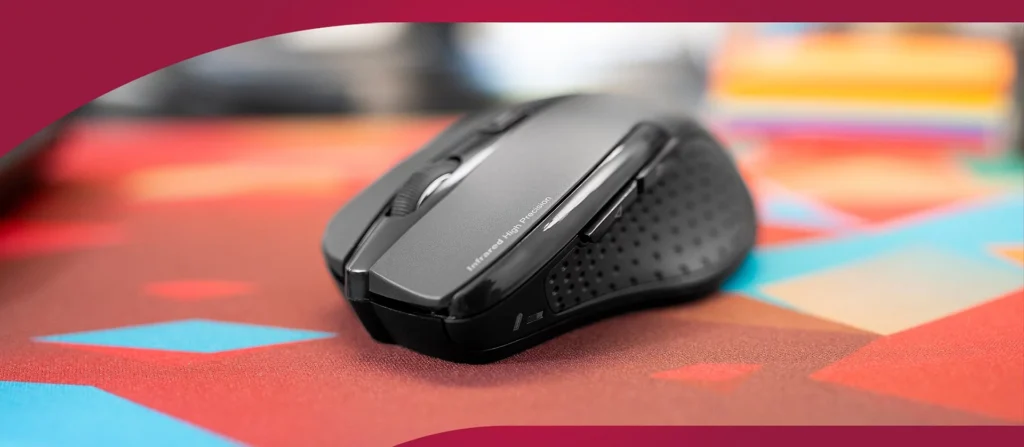
The Logitech MX Master 3S remains the industry leader for its horizontal scroll wheel (perfect for long lines of code) and its ability to switch seamlessly between multiple devices.
4. Focus and Communication: Audio and Connectivity
Deep work requires the ability to block out household noise, while clear communication is essential for “Daily Standups” and collaborative debugging.
Noise-Canceling Headphones
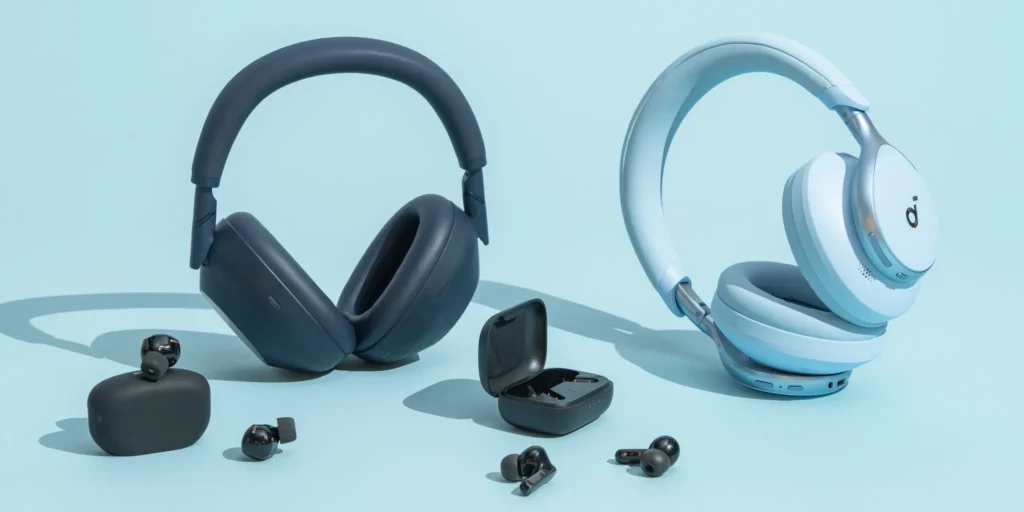
The Sony WH-1000XM5 provides best-in-class adaptive noise cancellation and AI-enhanced microphones that isolate your voice from background chatter. If you prioritize all-day comfort, the Bose QuietComfort Ultra features “CustomTune” technology that profiles your unique ear geometry to optimize sound.
The Central Hub: Docking Stations
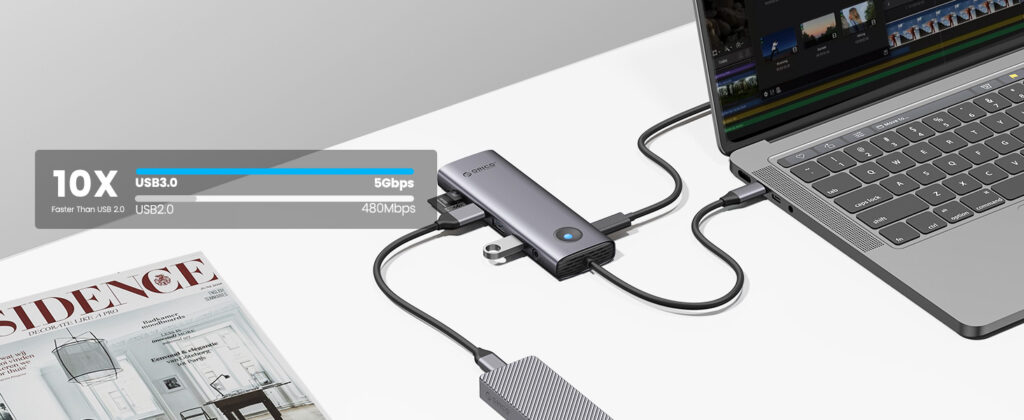
With many developers working off powerful laptops, a docking station is necessary to turn your laptop into a desktop. The Plugable USB-C Triple Display Dock lets you connect up to three monitors and charge your laptop with a single cable, significantly reducing desk clutter.
5. Environment: Lighting and Air Quality
Your physical environment affects your energy and mood more than you might realize.
- Lighting: Position your desk near natural light to boost alertness. For late-night coding, an adjustable LED desk lamp with eye-care technology (low-blue-light) is essential to prevent eye strain.
- Air Quality: A HEPA-filtered air purifier can improve mental clarity by reducing allergens and carbon dioxide levels in small home offices.
- The 20-20-20 Rule: To protect your vision, every 20 minutes, look at something 20 feet away for 20 seconds.
- Air conditioner units: A well-regulated environment improves your well-being and that of your gadgets, such as laptops, phones, and monitors, preventing them from overheating
Final Recommendation Summary
| Category | Best Premium Choice | Best Value Choice |
|---|---|---|
| Ergonomic Chair | Steelcase Leap | Mimoglad Office Chair |
| Monitor | Samsung Smart Monitor M9 | BenQ GW2486TC |
| Keyboard | Keychron Q1 | Aula S75 Pro |
| Headphones | Sony WH-1000XM5 | Sennheiser Momentum 4 |
Investing in a proper home office is an investment in yourself. By choosing gear that supports your physical health and mental focus, you’ll find that remote work becomes significantly more sustainable and enjoyable.