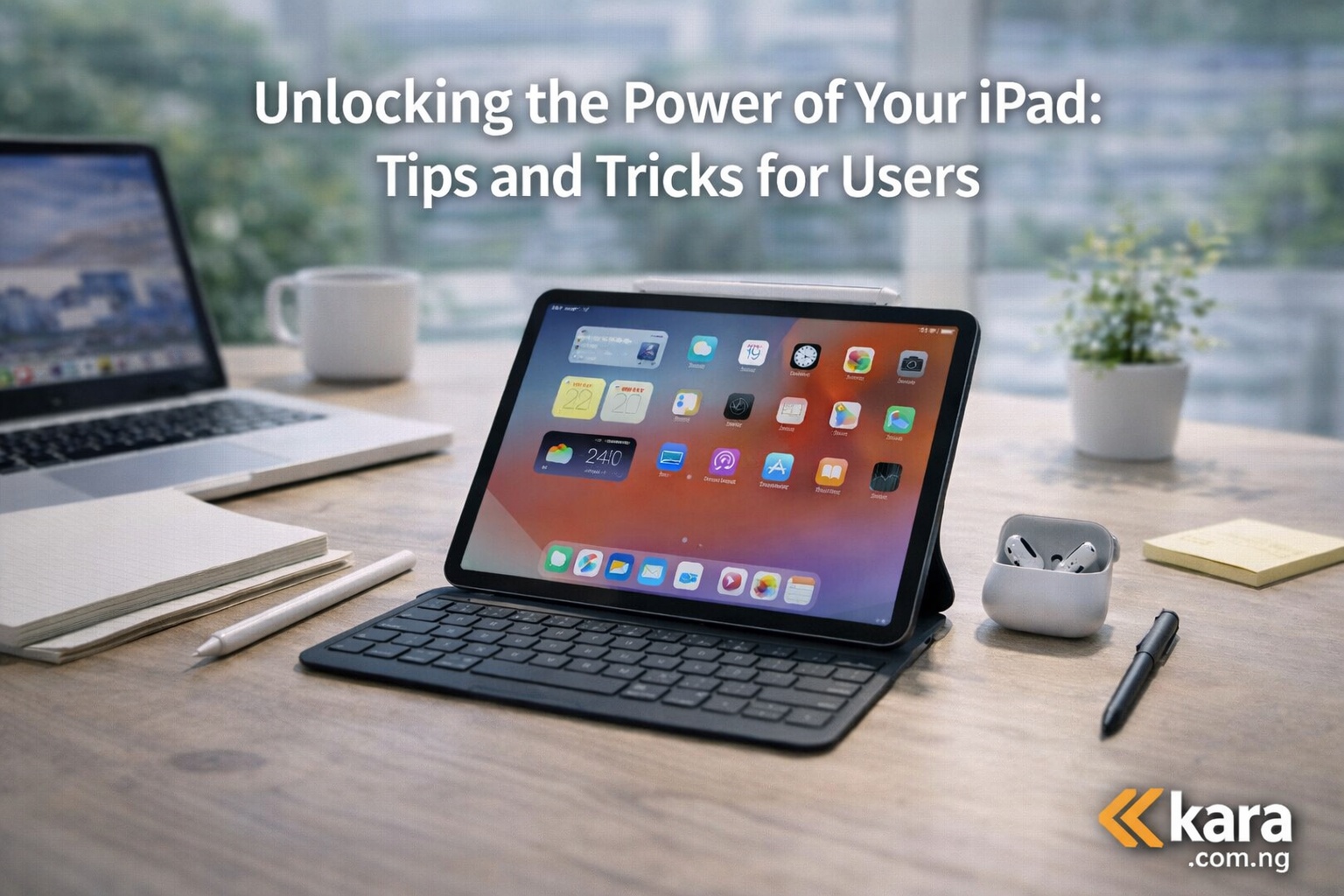
Many iPad users only scratch the surface of what the device can actually do. With the right settings, apps, and simple tricks, an iPad can become a powerful tool for work, learning, creativity, and entertainment. From managing tasks and taking notes to editing photos and multitasking between apps, there are several ways to make the device more productive. This guide explains practical tips and tricks that help users get more value from their iPad and improve everyday usage.
You can explore available ipad models here
Table of Contents
Unlocking the Power of Your iPad: Tips and Tricks for Users
The iPad has become one of the most useful devices for many Nigerians. Students use it for studying and note taking. Professionals rely on it for work and presentations. Creators use it for drawing, editing, and content production.
However, many people only use a small portion of what the iPad can actually do.
Learning a few simple tips can improve productivity and make the device easier to use. Many people searching for how to unlock the full power of your iPad for everyday productivity discover that small adjustments can make a big difference.
This guide explains practical ways to get more value from your iPad.
Unlocking the power of your iPad with essential settings
One of the easiest ways to improve performance is by adjusting key settings.
Users searching for essential iPad settings to improve performance and battery life often overlook these simple changes.
Start with the display settings.
Adjust brightness to a comfortable level and enable True Tone. This feature adjusts the display colour based on surrounding light. It makes reading and browsing easier on the eyes.
Night Shift is another helpful feature. It reduces blue light at night which can help improve sleep.
Battery settings also matter.
Go to Battery settings to check which apps consume the most power. Many people researching how to optimize iPad battery performance for daily use reduce battery drain by disabling background refresh for apps they rarely use.
Keeping your software updated is also important. Updates often improve speed and security.
Unlocking the power of your iPad with useful apps
Apps determine how useful your iPad becomes.
Many Nigerians searching for best productivity apps for iPad users in Nigeria today focus on apps that improve work and learning.
For productivity, tools like Microsoft Office and Google Workspace are widely used. They allow users to create documents, presentations, and spreadsheets easily.
For note taking, apps such as GoodNotes and Notability are very popular. These apps allow users to write notes, organize files, and annotate documents.
Entertainment apps are also essential.
Streaming platforms allow users to watch movies, series, and educational videos. Reading apps also make the iPad useful for students and professionals.
These tools turn the device into a portable work and learning system.
Unlocking the power of your iPad with multitasking features
Multitasking is one of the strongest advantages of the iPad.
Many users searching for how to use iPad multitasking features for better productivity do not realize how powerful these tools are.
Split View allows two apps to run side by side.
For example, a student can read lecture material on one side while taking notes on the other.
Slide Over allows a second app to appear temporarily on top of another app.
This is useful for checking messages while working on documents.
Picture in Picture allows videos to continue playing while you use other apps. This feature is useful during video calls or tutorials.
These multitasking features help users work faster and more efficiently.
Unlocking the power of your iPad with the right accessories
Accessories can significantly improve how the iPad is used.
Many buyers researching best iPad accessories for productivity and learning often consider a few key tools.
The Apple Pencil is one of the most useful accessories.
It allows precise writing, drawing, and annotation. Students and designers often rely on it for note taking and sketching.
A keyboard can also make the iPad more useful for typing tasks.
Many professionals who write emails or reports use a keyboard with their iPad.
You can explore available ipad models here
Choosing the right accessories can turn the iPad into a more complete work device.
Unlocking the power of your iPad for students and professionals
The iPad works especially well for students and professionals.
People searching for how to use an iPad for work and studying effectively often benefit from better organization.
The Files app helps organize documents and folders.
Users can create folders for different projects, subjects, or clients.
Note taking apps also support handwriting recognition. This allows handwritten notes to become searchable text.
Calendar and reminder apps help track deadlines and meetings.
These tools make it easier to stay organized and productive.
Unlocking the power of your iPad for creativity
The iPad is also widely used by creative professionals.
Artists searching for creative ways to use an iPad for digital art and design often use drawing and editing apps.
Drawing apps allow artists to create illustrations, concept art, and design sketches.
Music apps also turn the iPad into a portable studio.
Photographers use editing apps to improve images and organize photo collections.
These creative tools allow users to produce professional content directly on the device.
Unlocking the power of your iPad by fixing common issues
Even powerful devices sometimes experience small issues.
Many users searching for common iPad problems and simple troubleshooting tips can fix issues quickly.
If the iPad becomes slow, restarting the device can often restore normal performance.
Apps that crash frequently should be updated or reinstalled.
WiFi connection issues can often be fixed by reconnecting to the network or restarting the router.
These simple fixes help maintain smooth performance.
Should you upgrade your iPad
If your device is older, upgrading may improve performance and compatibility.
Many users researching best iPad models to buy for productivity and entertainment consider upgrading when their device becomes slow or cannot run newer apps.
Newer iPads offer:
Better processors
Improved displays
Longer battery life
More storage options
You can explore available ipad models here
Choosing a newer model can extend the usefulness of the device for several more years.
Expert recommendation summary
The iPad is a versatile device that can handle work, learning, creativity, and entertainment.
To get the most value from your iPad:
Adjust important settings
Install useful apps
Use multitasking features
Invest in helpful accessories
Keep the device updated
These simple steps can significantly improve the overall experience.
Final thoughts
Unlocking the full potential of your iPad does not require complicated changes. Small adjustments and the right tools can make the device far more productive and enjoyable to use.
Whether you use your iPad for studying, working, creating, or entertainment, understanding these tips will help you get the most out of your device every day.