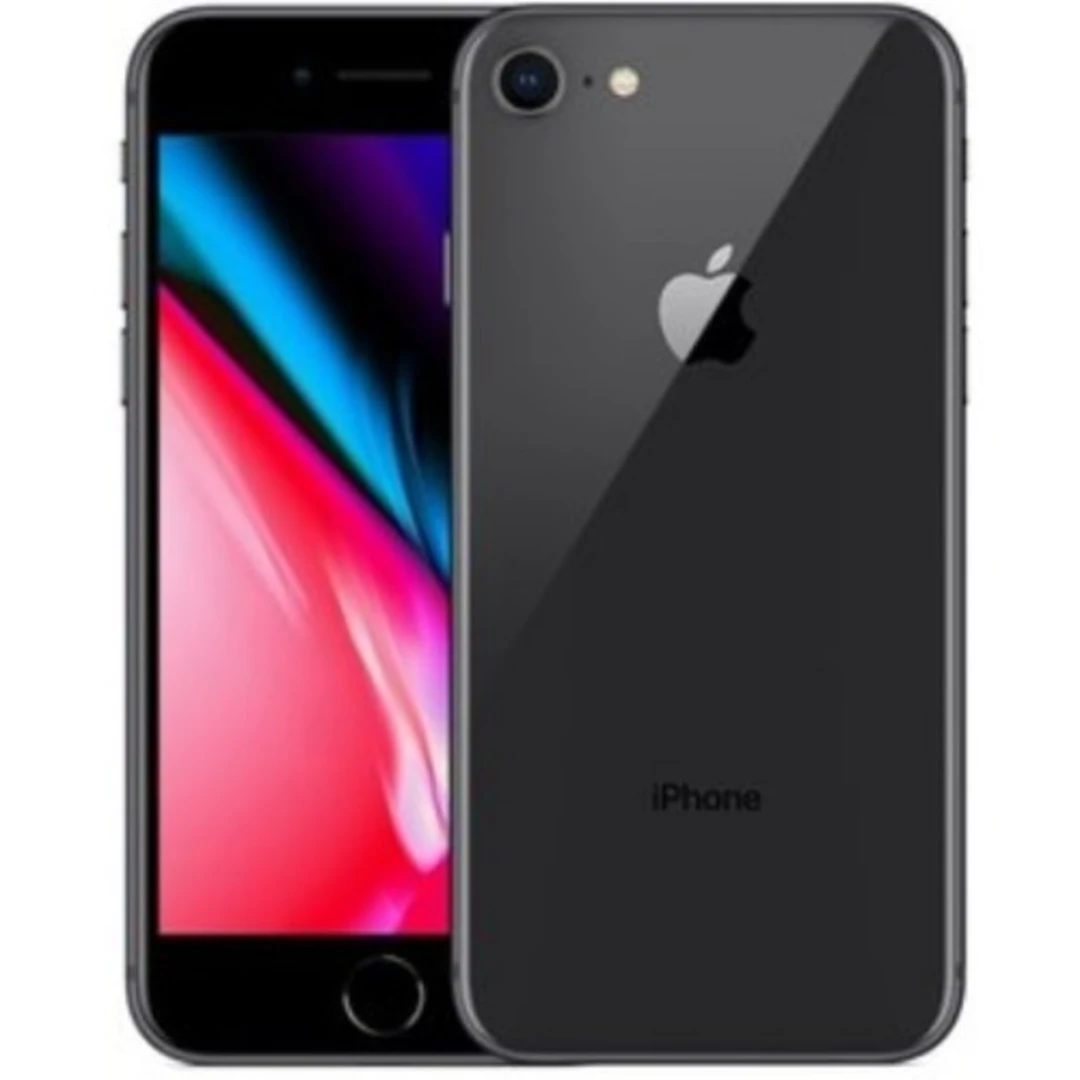
The iPhone 8 is still a dependable smartphone for many Nigerians who want a reliable device without spending heavily on the latest models. With the rising cost of smartphones and fluctuating exchange rates, many users prefer to extend the life of their current phones rather than upgrade immediately. If you are wondering how to make your iPhone 8 last longer in Nigeria, the good news is that with proper care, smart usage habits, and a few strategic upgrades, your device can comfortably serve you for another three years.
Table of Contents
Why Many Nigerians Still Use the iPhone 8
The iPhone 8 remains popular in Nigeria because it still delivers solid everyday performance. It handles WhatsApp, banking apps, social media, and normal browsing without major issues. The camera quality is also decent for everyday photos and short videos.
Another reason people hold on to the device is affordability. New iPhones are expensive, so extending the lifespan of an existing device becomes the smarter financial decision.
If you follow the right steps for how to extend iPhone battery life on iPhone 8, maintain storage properly, and protect the hardware, the phone can continue serving everyday needs.
Replace the Battery When Performance Drops
Battery health is the single most important factor in keeping an older iPhone running smoothly. Most iPhone 8 devices in Nigeria today have batteries that are already worn out after years of use.
If your phone drains quickly, switches off randomly, or struggles to last half a day, the battery likely needs replacement.
Look out for these signs:
• Battery health below 80 percent
• Phone getting hot during normal use
• Fast battery drain even when idle
Replacing the battery is one of the best ways to improve iPhone 8 battery replacement in Nigeria for longer usage.
A new battery can make the phone feel almost new again and significantly improve how to improve iPhone 8 performance in 2026.
Expert tip: Always replace batteries at reputable repair centres to avoid low quality batteries that swell or damage the device.
Manage Storage to Keep the Phone Fast
Many iPhone 8 users complain that their phones become slow over time. In most cases, storage is the main problem.
When your storage is almost full, the phone struggles to perform basic tasks smoothly.
Follow these steps for how to free up storage on iPhone 8 without deleting important files:
• Delete unused apps
• Clear old videos and screenshots
• Move photos to iCloud or Google Photos
• Remove large WhatsApp media files
Keeping at least 10 to 15 percent of your storage free helps the phone run smoothly.
If you plan to keep the device long term, this is one of the simplest ways to achieve how to keep an old iPhone running smoothly in Nigeria.
Protect the Screen and Hardware
The iPhone 8 has a glass back and front. While it looks premium, it also means repairs can be expensive if it breaks.
To avoid unnecessary repair costs, invest in proper protection.
Recommended accessories include:
• Shockproof phone case
• Tempered glass screen protector
• Water resistant pouch for travel
These small investments help reduce the chances of costly repairs and support how to maintain an iPhone 8 for long term use.
You can explore protective accessories here: iPhone cases and accessories
Reduce Background Activity That Slows the Phone
Over time, many apps run in the background and consume memory, battery, and processing power.
This can make the phone feel slow.
To optimize your device for best settings to make iPhone 8 faster, try the following:
• Turn off background app refresh for unnecessary apps
• Disable location services for apps that do not need it
• Reduce motion effects in accessibility settings
• Restart the phone regularly
These small adjustments improve how to optimise an old iPhone for better performance and extend the life of the device.
Keep Your Software Updated but Manage Expectations
Software updates are important for security and compatibility with apps. However, older devices sometimes struggle with heavy updates.
For the iPhone 8, updating iOS ensures better security and keeps apps working properly.
This is essential for how to keep iPhone 8 secure and updated in Nigeria.
However, avoid installing beta updates or experimental versions that may slow the device.
Expert tip: Always check available storage and battery health before installing a major iOS update.
Upgrade Accessories Instead of Upgrading the Phone
Sometimes improving the experience of using your phone is enough to delay buying a new one.
Instead of replacing the phone immediately, consider upgrading accessories.
Useful upgrades include:
• Fast charging adapter
• Wireless charging pad
• Better earphones or Bluetooth earbuds
• Car charging accessories
These improvements enhance everyday usability and contribute to ways to extend the life of an iPhone 8 without upgrading.
When It Finally Makes Sense to Upgrade
While the iPhone 8 can still serve well, there will eventually be a time when upgrading becomes necessary.
Consider upgrading when:
• Apps stop supporting the device
• Battery replacements become too frequent
• Storage limitations affect daily use
• Camera quality no longer meets your needs
If that time comes, you can explore newer options here: iPhones on Kara
Expert Recommendation
If your iPhone 8 is still in good condition, replacing the battery, managing storage, and using proper accessories can extend its life significantly.
Many Nigerian users successfully use their devices for five to six years by following these steps.
Before rushing to buy a new phone, consider improving the one you already have.
A few smart adjustments can easily help your iPhone 8 last another three years.