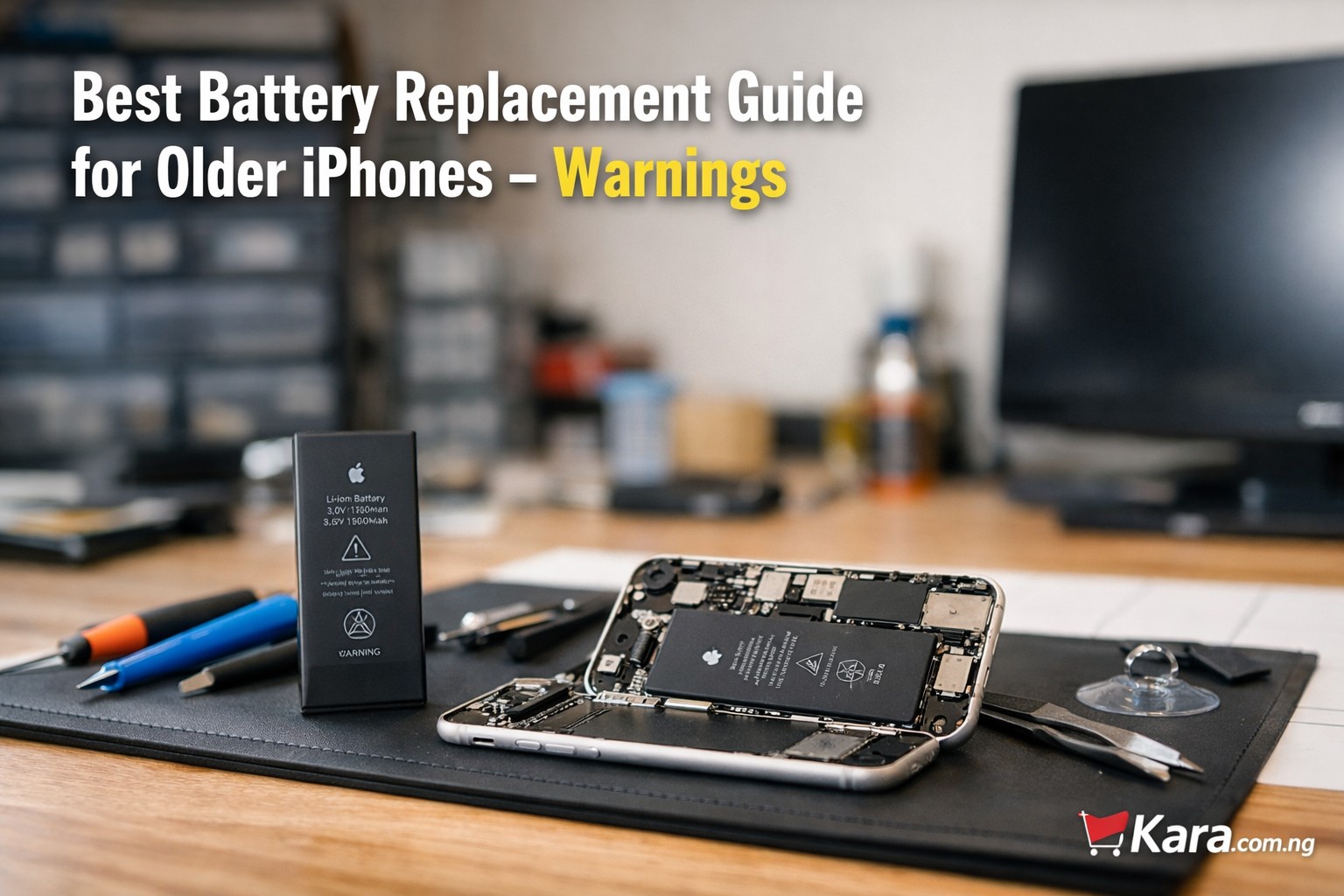
Learn how to avoid iPhone battery replacement errors by choosing the right battery, using trusted technicians, and following proper repair checks to keep your iPhone working safely and efficiently. Older iPhones are still widely used across Nigeria because they remain reliable, affordable, and compatible with most everyday apps. However, battery health naturally drops after years of use. Many users eventually face the question of whether to replace the battery or upgrade the phone entirely. This guide explains the important warnings, practical considerations, and smart buying decisions to make when replacing a battery in older iPhones in Nigeria.
Shop iPhone Batteries and Accessories
Table of Contents
When an Older iPhone Actually Needs a Battery Replacement
Battery wear is normal for smartphones. Apple lithium batteries usually maintain peak performance for about two years before noticeable degradation begins. For users of older models like the iPhone 7, iPhone 8, or iPhone X, battery replacement becomes common.
Signs that a replacement is necessary include:
- Rapid battery drains during normal use
- Unexpected shutdowns even when the battery shows remaining charge
- Slow device performance due to battery throttling
- Battery health below 80 percent in settings
When these signs appear, many people begin searching for best battery replacement for older iPhone models in order to extend the phone’s lifespan.
However, replacement should not be done blindly. Several risks exist, especially in markets where counterfeit parts are common.
Shop iPhone Batteries and Accessories
iPhone Battery Replacement Warning 1: Avoid Cheap Aftermarket Batteries
One of the biggest mistakes iPhone users make is choosing the cheapest available battery. While low prices may look attractive, many of these batteries lack proper safety controls.
Risks of cheap batteries include:
- Overheating
- Swelling inside the phone
- Reduced charging stability
- Very short lifespan
In Nigeria’s phone repair market, counterfeit batteries are common. Buyers searching for safe battery replacement for iPhone in Nigeria should always confirm that the battery is high quality and compatible with their specific model.
Paying slightly more for a trusted replacement often saves money in the long run.
iPhone Battery Replacement 2: Improper Installation Can Damage Your Phone
Battery replacement is not just about inserting a new component. iPhones use tightly sealed internal structures that require careful disassembly.
Poor installation can cause:
- Screen damage during removal
- Broken flex cables
- Charging port issues
- Water resistance loss
Users often search online for how to replace old iPhone battery safely, but DIY repairs without proper tools can easily cause more damage than the original battery problem.
If you are not experienced with smartphone repair, professional installation is strongly recommended.
iPhone Battery Replacement 3: Battery Replacement Does Not Always Fix Performance Issues
Many users assume that replacing the battery will automatically make an old iPhone feel brand new again. This is not always the case.
While a fresh battery restores power stability, older hardware may still struggle with modern applications.
For example:
- New apps require more processing power
- Updated iOS versions demand more memory
- Older chips process tasks slower than modern devices
That is why buyers often compare should I replace iPhone battery or upgrade phone before making a final decision.
If the phone still handles your daily tasks smoothly, a battery replacement can be worthwhile. If performance already feels slow, upgrading might be the better investment.
iPhone Battery Replacement 4: Not Every iPhone Model Is Worth Replacing the Battery
Some older devices are nearing the end of their practical lifespan. Spending money on repairs for such models may not be wise.
For example:
| iPhone Model | Battery Replacement Worth It? | Reason |
| iPhone 6 | Not recommended | Too old for many modern apps |
| iPhone 6s | Sometimes | Depends on usage needs |
| iPhone 7 | Often worthwhile | Still usable for basic tasks |
| iPhone 8 | Good option | Balanced performance |
| iPhone X | Strong candidate | Still handles many apps |
Buyers researching which older iPhone battery replacement is worth it should always consider device age, software support, and overall performance.
iPhone Battery Replacement 5: Battery Health Messages May Appear After Replacement
Newer iPhones contain battery authentication systems. When a third-party battery is installed, the phone may display a warning message.
This does not necessarily mean the battery is unsafe. However, the device may show notifications such as:
“Unable to verify this iPhone has a genuine Apple battery.”
Many users searching for iPhone battery health warning after replacement explained worry about this message. In most cases, the phone still functions normally. The message simply indicates that the battery is not verified by Apple.
iPhone Battery Replacement 6: Always Confirm Battery Capacity and Compatibility
Every iPhone model uses a different battery capacity and connector layout. Installing the wrong battery can cause charging problems or device instability.
Before purchasing, confirm:
- Exact iPhone model number
- Correct battery capacity specification
- Quality certification
People looking for how to choose the right battery for older iPhone should always verify compatibility first.
Buying from reputable sellers reduces the risk of receiving mismatched parts.
Battery Replacement vs Upgrading Your iPhone
Many users reach a point where they must decide between repairing their current phone or upgrading to a newer model.
Battery replacement makes sense if:
- The phone still runs your apps smoothly
- The screen and body are in good condition
- You want to save money
Upgrading is better if:
- The phone feels slow even on basic tasks
- Storage space is always full
- New iOS updates no longer support the device
Buyers frequently search is battery replacement worth it for old iPhones because the answer depends on how the phone is used.
For light usage such as calls, WhatsApp, and browsing, battery replacement can extend the device for another year or two.
Where to Buy Reliable Replacement Batteries
If you decide to replace your battery, the most important factor is sourcing reliable components.
When shopping online, check:
- Seller reputation
- Product warranty
- Verified compatibility with your device
You can explore available options here:
Many buyers searching where to buy genuine iPhone battery replacement in Nigeria find that reputable online stores provide better transparency and product information than random repair shops.
Expert Tips Before Replacing an iPhone Battery
Experienced phone technicians usually recommend the following:
- Check battery health in iPhone settings before deciding.
- Avoid extremely cheap replacement batteries.
- Replace the battery only if the phone still performs well overall.
- Always back up your data before any repair.
- Consider the resale value of the device before spending on repairs.
These tips help users looking for professional advice for replacing iPhone batteries safely make better decisions.
Final Recommendation
Battery replacement can extend the life of an older iPhone, but it should always be approached carefully. Poor quality batteries, improper installation, and unrealistic expectations are the most common mistakes.
If your device still performs well and battery health has simply declined, replacing the battery can be a practical solution. But if performance issues already exist, upgrading to a newer iPhone may deliver better long-term value.
Before making a decision, review compatible battery options and trusted sellers.
Shop iPhone Batteries and Accessories
Making the right choice ensures your phone continues to serve you reliably without unnecessary repair costs.